Consolidation Software for QuickBooks: How Accounting Firms Deliver Group Accounts at Scale
QuickBooks Online is widely used across the US, Canada, and parts of the Asia-Pacific market — which means that accounting firms and outsourced CFO practices working with growing businesses will inevitably accumulate a portfolio of multi-entity QuickBooks group clients.
The question is not whether to serve them. It is whether the approach is profitable and scalable, or whether each new group client quietly adds another bespoke spreadsheet model to the pile. The firms that build a genuinely scalable QuickBooks group reporting practice do so on a foundation of purpose-built consolidation software for QuickBooks — not on the backs of increasingly complex manual processes.
Why Managing QuickBooks Group Clients Manually Doesn’t Scale

Most accounting practices start managing their first multi-entity QuickBooks client with a spreadsheet. It works — just about. The accountant exports trial balances from each QuickBooks company file, pastes them into a master workbook, maps accounts, enters eliminations, applies exchange rates if needed, and produces the group P&L and balance sheet. An experienced accountant can do this reasonably well for one client.
Multi-entity QuickBooks consolidation, done for you.
Connect all your QuickBooks companies and get consolidated financials instantly.
The problem becomes visible when the second, third, and fourth group clients arrive. Each one gets its own spreadsheet model, its own intercompany relationships, and its own reporting requirements. Within a year or two the practice is managing five or six bespoke consolidation workbooks — and the economics have quietly broken down.
| Problem | What it looks like in practice |
|---|---|
| No shared infrastructure | Every new client gets a bespoke spreadsheet built from scratch — nothing built for one engagement is reusable for the next |
| Inconsistent output quality | Eliminations go stale when intercompany structures change and nobody updates the model; quality varies between clients and between periods |
| No capacity ceiling visibility | Manual consolidation work is invisible in the practice’s capacity model until a deadline is missed or a team member leaves |
| Difficult to price correctly | Time spent on consolidation bleeds into general month-end work and is rarely tracked accurately — most practices discover they have been undercharging once they move to a platform |
What a Platform-Based Approach Looks Like
When an accounting firm adopts purpose-built consolidation software for QuickBooks, the fundamental economics of group reporting work change. Instead of manual effort scaling linearly with client volume, the platform absorbs the mechanical work — data collection, account mapping, elimination logic, report generation — and the accountant’s role becomes review and oversight.
A fee earner who previously managed three group clients at capacity can manage six or eight with the same time allocation, at higher quality and lower risk.
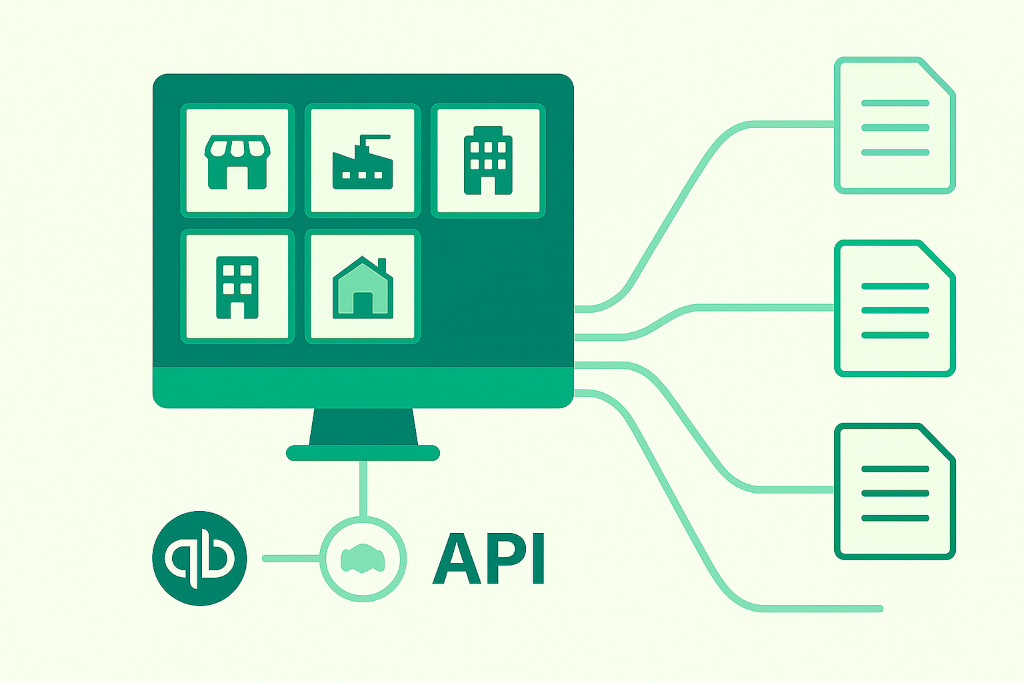
In BrizoConsol, each client group is a separate workspace within the same platform account. Each client’s QuickBooks company files connect via the QuickBooks API — no CSV exports, no manual data transfers — and the consolidation configuration is saved and reused at every reporting cycle. The accountant manages the practice’s entire QuickBooks group client portfolio from a single dashboard, rather than navigating between separate spreadsheet models stored in different folders.
Client Onboarding: What the First Engagement Looks Like
The first time a new QuickBooks group client is onboarded onto BrizoConsol, the process runs in four steps:
1. Connect
Each QuickBooks Online company file is authorised via OAuth — the same mechanism used by other QuickBooks-connected apps. BrizoConsol pulls the chart of accounts and trial balance from each entity automatically. No CSV exports, no manual data transfers.
2. Map accounts
BrizoConsol’s AI Auto-Map feature analyses account names across all connected QuickBooks files and suggests mappings to the group chart of accounts. For clients where entities use similar QuickBooks setups — common in franchise networks or groups built from the same template — the suggested mappings are highly accurate and the review takes minutes. For clients with more varied entity structures, the accountant adjusts suggestions as needed. All mappings are saved permanently for future periods.
3. Configure eliminations
Intercompany relationships, transaction types, and account codes are defined once — which entities have intercompany relationships, what flows between them, and what the account codes are on each side. For a typical three-to-five entity QuickBooks group with management fees and an intercompany loan, this configuration takes an hour or two. After that it runs automatically every month.
4. Go live
First consolidated output is available the same day. Subsequent periods require review and approval — not a rebuild. For practices that have onboarded even two or three clients on BrizoConsol, the fourth onboarding is noticeably faster than the first — the team is familiar with the workflow and the AI mapping is better calibrated to the account naming conventions their clients typically use.
The Monthly QuickBooks Group Reporting Cycle at Scale
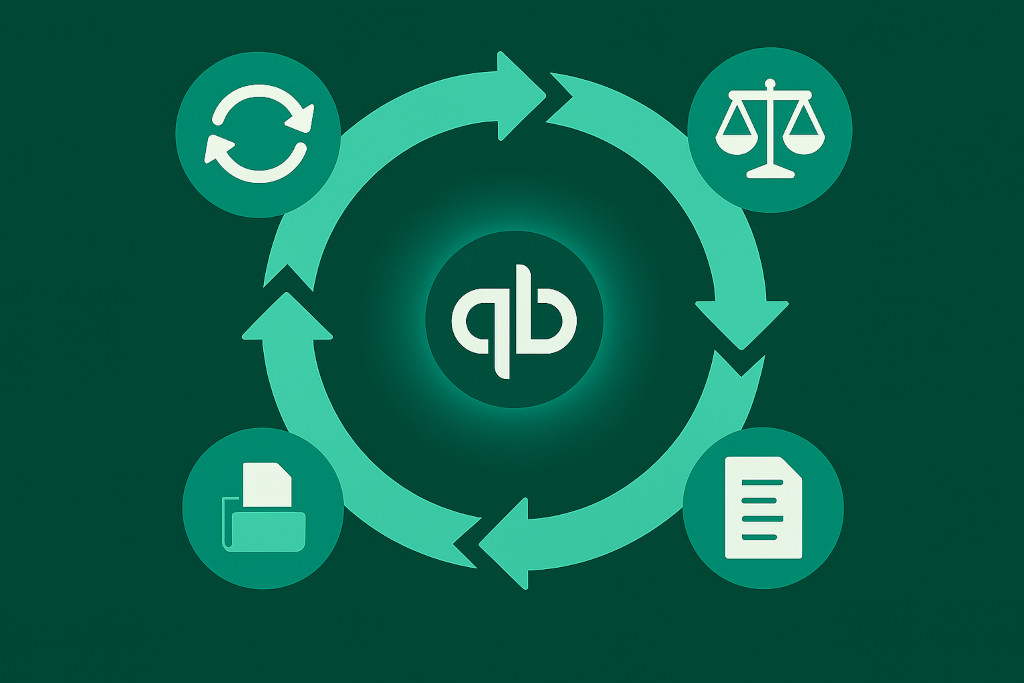
Once clients are configured on BrizoConsol, the monthly reporting cycle across the firm’s QuickBooks group portfolio follows a consistent, repeatable pattern that a senior accountant can supervise across multiple engagements simultaneously.
- Trigger data sync across all client groups. BrizoConsol pulls fresh trial balance data from every connected QuickBooks company file simultaneously. For a practice with eight QuickBooks group clients, each with three entities, this replaces twenty-four separate manual export operations with a single action.
- Review intercompany mismatch reports. BrizoConsol surfaces any intercompany balances that do not agree between entities across all active client groups. The accountant works through flagged items, investigates the cause — typically a timing difference or a bookkeeping error in one of the QuickBooks files — and coordinates with the client’s bookkeeper to resolve it before closing the consolidation.
- Confirm auto-eliminations. Configured elimination rules run automatically. The accountant reviews the elimination register for each client to confirm expected eliminations have run and that no unexpected balances remain in intercompany accounts.
- Apply currency translation and NCI where applicable. For clients with multi-currency QuickBooks Online groups, BrizoConsol applies period exchange rates and calculates the cumulative translation adjustment automatically. The accountant confirms rates are correct for the period. For groups with minority ownership structures, NCI calculations run as part of the same step — no separate process required.
- Post any bespoke consolidation adjustments. Non-recurring entries — acquisition adjustments, impairment charges, prior period corrections — are posted directly in BrizoConsol’s consolidation journal with a full audit trail.
- Generate and deliver client reports. Each client’s Insight Package — defined once, delivered automatically — assembles the consolidated P&L, balance sheet, and any additional schedules, and sends them to the defined recipients without manual export or formatting.
The firms that price group reporting correctly are the ones that have made it efficient. When the consolidation cycle for a five-entity QuickBooks group takes four hours instead of three days, the engagement becomes profitable at a fee level the client considers reasonable — and the capacity freed up goes into the advisory work that justifies a higher fee in the first place.
The Benefits That Compound Over Time
The advantages of a platform-based approach compound as the practice grows and as individual client engagements mature.
| Benefit | What it means in practice |
|---|---|
| Delegation becomes possible | When the consolidation logic lives in a configured platform rather than in one person’s head, junior team members can run the monthly cycle under supervision — the knowledge is in the system, not in a spreadsheet |
| Audit preparation is faster | Every elimination, consolidation journal, and currency adjustment is logged with a full audit trail — when external auditors ask to see the workings, the answer is a structured, traceable record, not a collection of Excel files |
| Client relationship quality improves | When the consolidation is automated and reliable, the accountant has time for the conversations that add real value — analysing variances, advising on structure, and preparing for the next period rather than producing the current one |
| New clients are easier to onboard | With a standardised platform and process, adding a new QuickBooks group client means following the same steps the practice has run before — not building something new from scratch each time |
Mixed-Platform Client Groups
One practical advantage of BrizoConsol that matters significantly in a diversified accounting practice is its ability to handle QuickBooks group clients that also have entities on other platforms. It is common for a group that started on QuickBooks to have acquired a subsidiary that runs Xero, or to have a UK entity using MYOB while its Australian counterpart uses QuickBooks Online.
BrizoConsol connects natively to all four major cloud accounting platforms within the same client workspace:
| Platform | Connection type |
|---|---|
| QuickBooks Online | Direct API — trial balance pulled automatically |
| Xero | Direct API — automatic sync |
| MYOB (AccountRight and Business) | Direct API — automatic sync |
| Zoho Books | Direct API — automatic sync |
A group with four QuickBooks entities and one Xero entity is consolidated in a single workflow — the data sources are different, but the consolidation process is identical. For practices managing a mixed-platform client portfolio, this removes the need to maintain different processes for different accounting system combinations and keeps the monthly cycle consistent across all group clients regardless of what software they use.
Conclusion: Building a QuickBooks Group Reporting Service That Scales
The accounting practices building the most profitable and scalable QuickBooks group reporting services share a common characteristic: they have invested in the infrastructure to deliver the service consistently, rather than relying on the competence and availability of individual team members to hold the process together.
Consolidation software for QuickBooks is that infrastructure. It replaces the collection of bespoke spreadsheet models with a single platform that runs the same process for every client, every month — producing consistent output quality, maintaining a full audit trail, and delivering reports automatically without manual intervention. The time it frees up is not absorbed by more consolidation work. It goes into the advisory relationship that justifies the practice’s fee and deepens the client’s reliance on the accountant’s judgement rather than their ability to produce a spreadsheet.