Home
Product
How It Works Security AI in BrizoConsol Built on BRIZO
Features
CTA / FCTR NCI Intercompany Eliminations Step Acquisitions / Partial Disposals Multi-Accounting Standards All Features
Integrations
Xero QuickBooks MYOB Zoho Books Excel Import Other Accounting Software
Solutions
For Accountants CFOs / Finance Leaders Business Owners Multi-Entity Consolidation Group Reporting Multi-Currency Consolidation Board Reporting Management Reporting Pricing See It in Action
Resources
Documentation Tutorials Month-End Guide BRIZO Methodology Webinar Blog
Login Start Free Trial

Stop Building Reports.
Start Advising.

Automate consolidation, eliminations, and client reporting to deliver Consolidated Financial Statements faster.

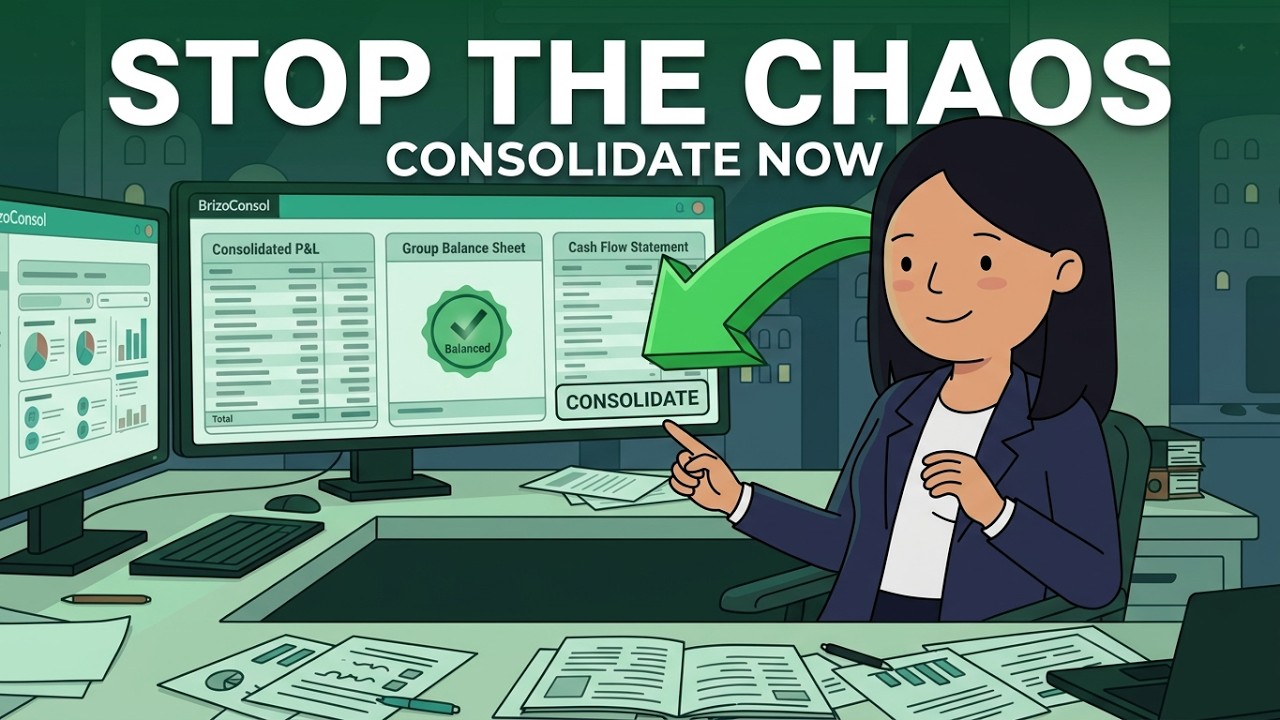
BrizoConsol for Accountants - See It in Action
Watch how BrizoConsol works for accounting firms
Consolidation First, Reporting Second

BrizoConsol runs the consolidation before reporting — eliminations, CTA, NCI, and GAAP tagging are computed at the data level, so every number that reaches a dashboard or report is already consolidated and audit-ready.

Reporting and analytics tools that connect to your accounting system visualise what's already there. BrizoConsol does the accounting work those tools assume has already been done, then reports on it.

How BrizoConsol Fits Your Close Workflow

Every step of the accountant's month-end — what BrizoConsol handles automatically vs. what spreadsheet-based close requires.

1
Connect Entities

Authorise your accounting systems in a few clicks. BrizoConsol pulls data automatically on every sync — no exports, no CSV wrangling.

Spreadsheet alternative

Export CSVs from each entity's accounting system, save locally, rename files, and import into a master workbook — repeated every month.

2
Map Charts of Accounts — AI Auto-Map

BrizoMap (AI) reads each entity's chart of accounts and suggests mappings to your group structure automatically. Review flagged exceptions, accept the rest in one click.

Spreadsheet alternative

Manually match account codes across entities in VLOOKUP tables. Re-do whenever a client renames or adds accounts. Common source of consolidation errors.

3
Run Eliminations — With Audit Trail

BrizoElim (AI) detects intercompany balances, suggests elimination rules, and flags unmatched entries for review. Every elimination is logged with a full audit trail traceable to source transactions.

Spreadsheet alternative

Manual journal entries for each intercompany balance. One missed entry silently distorts the consolidated P&L. No audit trail unless you build one yourself.

4
Apply GAAP Tags & CTA / NCI

GAAP tags (IFRS, US GAAP, UK GAAP, SFRS) apply automatically to every entry. CTA journals post at year-end. NCI balances calculate from ownership percentages — no separate reconciliation needed.

Spreadsheet alternative

CTA calculated manually in separate currency workbooks. NCI tracked in its own tab. Standards compliance depends on whoever built the spreadsheet — and whether it's been updated.

5
Generate Consolidated Statements

Consolidated P&L, Balance Sheet, and Cash Flow are generated in real time — every entry traceable to source. Export to PDF or Excel in one click.

Spreadsheet alternative

Rebuild the consolidated statements from scratch each period. Format, check totals, fix broken formulas. 3–5 days of month-end work — before anyone can review the numbers.

6
Deliver via Insight Packages

Bundle dashboards into branded PDFs and schedule automatic delivery to clients. Set it once — it runs on the 1st of every month, every quarter, or whenever you choose.

Spreadsheet alternative

Attach PDFs to individual emails. Manually update each client's version. Deliver late because the numbers took too long — leaving no time for analysis or commentary.

Standards-Ready Consolidation — Every Detail Handled.

Proper Consolidated Financial Statements with automatic currency translation and eliminations — IFRS, US GAAP, UK GAAP compliant.

CTA — Currency Translation Done Right

CTA calculated automatically during consolidation — configure once, CTA journals post automatically at year-end.

  • Auto-calculated during every consolidation run — no manual adjustments
  • Configure equity historical rates and retained earnings by year
  • Reconcile / Verify view confirms all CTA journals are balanced
  • IFRS, US GAAP, and UK GAAP compliant — tag every entry to the correct standard
CTA Setup — Subsidiary Entities
Entity Functional Presentation CTA
SG Ops SGD SGD N/A
AU Sub AUD SGD Enabled
MY Sub MYR SGD Enabled
✓ CTA journals posted automatically at fiscal year-end

How BrizoConsol Helps Accountants

Consolidated Financial Statements — On Demand

Consolidated P&L, Balance Sheet, and Cash Flow with automatic eliminations and CTA. Every entry traceable to source.

  • Auto eliminations for aligned charts of accounts
  • IFRS, US-GAAP, UK-GAAP tagging on every entry
  • CTA calculated automatically — no spreadsheets
Client A — Consolidation Status
✓ 3 entities connectedLast sync: 2 min ago
AutoIntercompany Revenue eliminated$248,000
AutoIntercompany Loans eliminated$92,000
Consolidated P&L — Ready✓ Clean

Insight Packages — Your New Client Deliverable

Bundle dashboards into branded PDFs and deliver automatically to clients on schedule.

  • Automatic delivery — set once, runs forever
  • Branded, professional output
  • Serve more clients without adding headcount
Scheduled Insight Packages
Client A — Monthly P&L1st of month
Client B — Quarterly Board PackQuarterly
Client C — Weekly Cash FlowEvery Monday
↑ All delivered automatically. Zero manual effort.

Common questions from accounting firms

Can BrizoConsol handle consolidation for multiple clients at once?
Yes. BrizoConsol supports multi-client workspaces — each client group is separate with its own entities, chart of accounts, and consolidation settings. Firms can manage multiple client groups from one account.
What accounting standards does BrizoConsol support?
BrizoConsol supports IFRS, US GAAP, UK GAAP, and SFRS. Standards are tagged per entity, and consolidated statements are produced to the correct standard. Mixed-standard groups — where different entities report under different standards — are also supported.
Do my clients need to change their accounting software?
No. BrizoConsol connects to Xero, QuickBooks, MYOB, and Zoho Books via OAuth in read-only mode. Clients keep their existing software and workflow — BrizoConsol pulls data automatically without any changes to their systems.
How long does it take to set up a new client group in BrizoConsol?
Most client groups are set up and running their first consolidation within a day. Connect the entities, use BrizoMapster's AI-assisted account mapping to match charts of accounts, and run consolidation. No implementation consultant required.
Can BrizoConsol replace our existing consolidation spreadsheets?
Yes. BrizoConsol is designed to replace spreadsheet-based consolidation entirely — data collection, eliminations, CTA, NCI, and statement generation are all automated. The audit trail BrizoConsol produces is more complete than anything a spreadsheet can provide.

Ready to spend less time on reports?

Transform your month-end workflow with automated consolidation.

Start Free TrialSee It in Action
No credit card required