How BrizoConsol Works With Your Excel Files
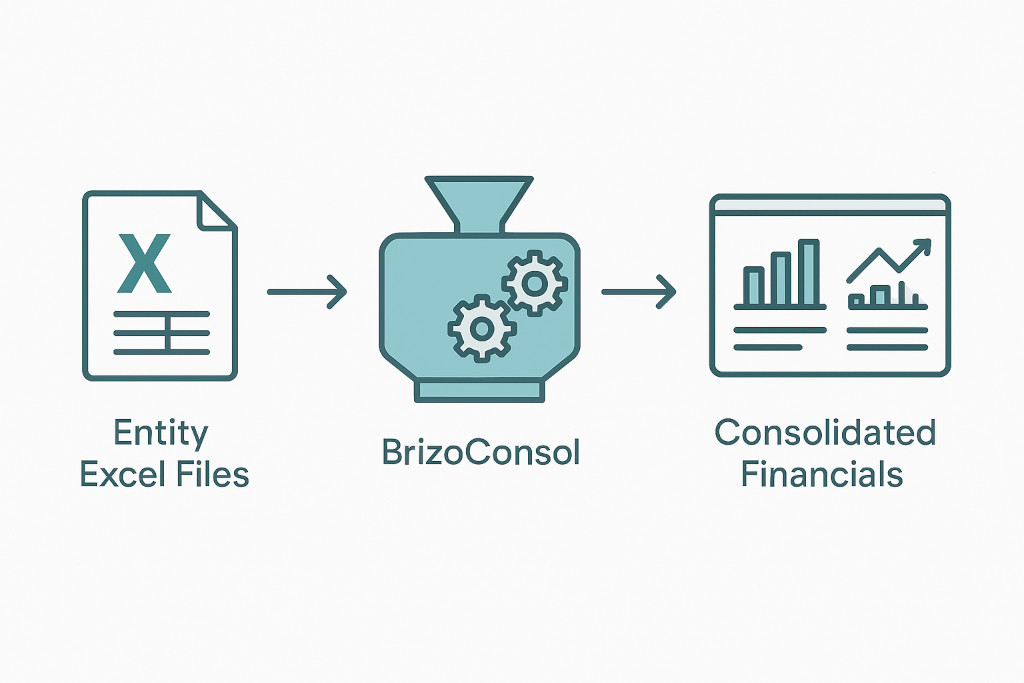
There is a conversation that comes up often when accounting firms explore consolidation software: “Our entities all prepare their financials in Excel. Do we have to change that?”
The answer is no.
BrizoConsol is not asking your entities to change how they work. Excel is the language of finance at the entity level — it is familiar, accessible, and already embedded in how your clients operate. What BrizoConsol changes is what happens after those Excel files are prepared: how they are collected, mapped, and consolidated into a single, accurate group view.
Replace your Excel consolidation — for good.
BrizoConsol automates what you've been doing in Excel, faster and without the errors.
This post walks through exactly how that works.
The Reality of Multi-Entity Reporting
In most groups, the month-end or year-end process looks something like this:
Each entity — whether it is a subsidiary, joint venture, or branch — prepares its own financial statements in Excel. The format varies. One entity uses a chart of accounts inherited from a legacy system. Another follows a format set by a regional controller years ago. A third was acquired eighteen months ago and still uses its pre-acquisition template.
These files are emailed to the corporate office or the accounting firm managing the consolidation. Someone then spends hours — sometimes days — reformatting, remapping, and manually feeding the numbers into a consolidation workbook.
It works. But it is slow, it is manual, and every step between the entity Excel file and the consolidated output is a point where errors can enter and go undetected.
BrizoConsol is designed to close that gap.
Two Ways to Get Excel Files Into BrizoConsol
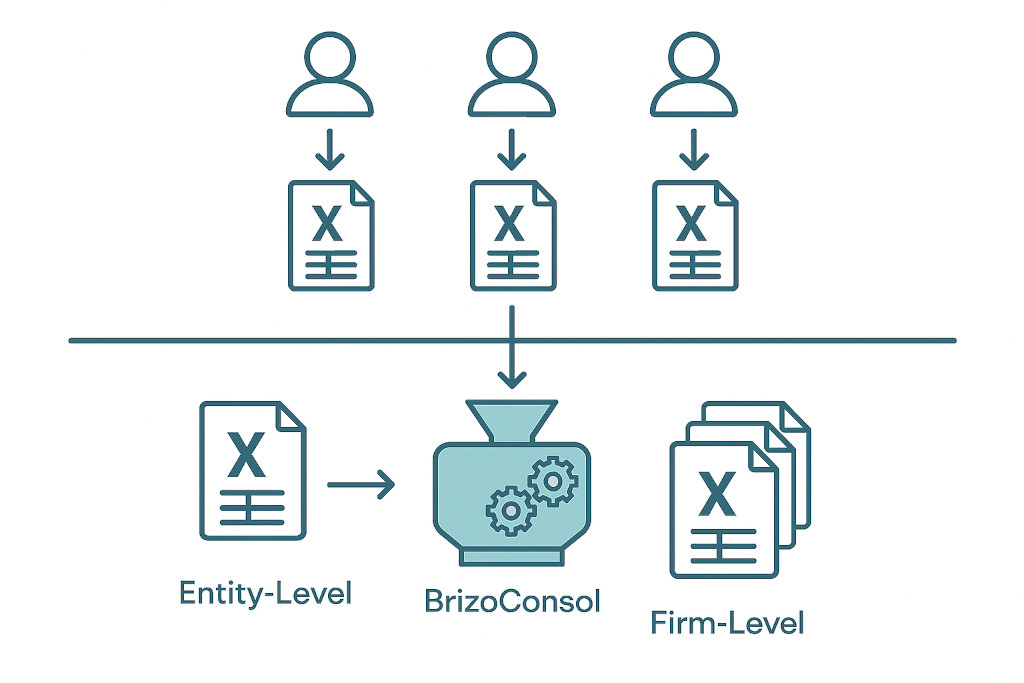
BrizoConsol supports both upload paths depending on how your team operates.
Option 1: Entity-Level Upload
Entities upload their own financial statements directly into BrizoConsol. Each entity has its own access, uploads its Excel file for the reporting period, and the data flows into the central consolidation engine.
This works well when:
- You want entities to own their own submissions
- You are managing a large group with many subsidiaries reporting independently
- You want a clear submission record showing who uploaded what and when
Option 2: Corporate or Firm-Level Upload
The corporate finance team or the accounting firm managing the consolidation collects the Excel files from entities and uploads them centrally. This is a single-point upload process — multiple entity files uploaded in one workflow.
This works well when:
- Entities are not system users and simply send their files as usual
- The accounting firm acts as the consolidating party on behalf of the client
- You want full control over what enters the consolidation without involving entity-level staff
Both approaches land in the same place: entity data inside BrizoConsol, ready for consolidation.
What Happens After Upload: AI Account Mapping
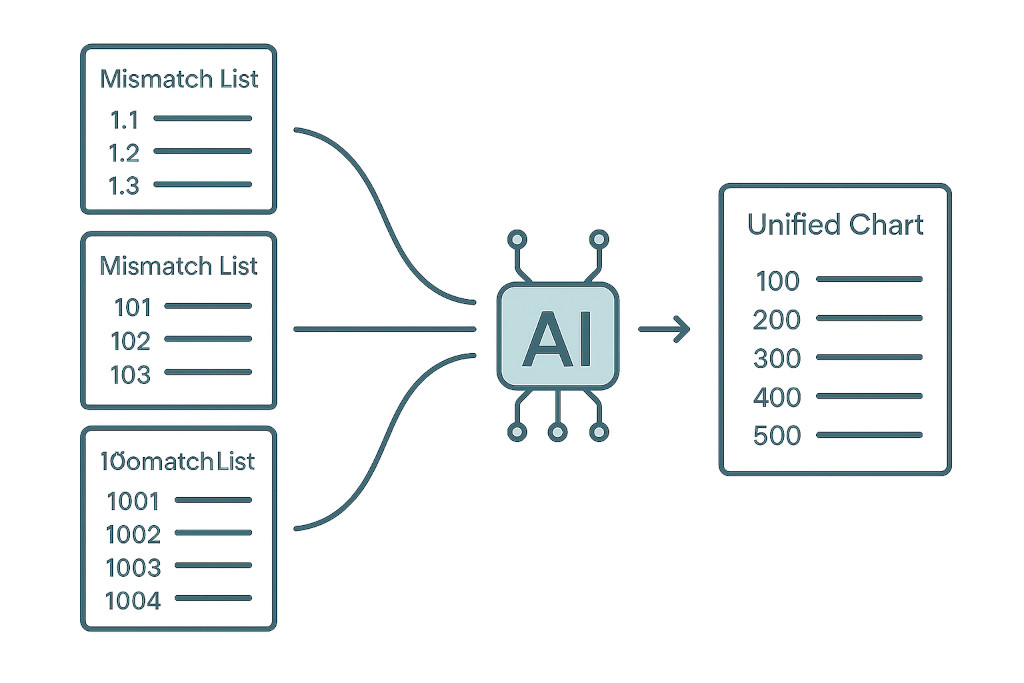
This is where the heavy lifting happens — and where BrizoConsol replaces the most time-consuming part of the manual process.
Every entity’s Excel file uses its own chart of accounts. Account names differ. Numbering conventions differ. Some entities have more granular line items than others. Mapping all of these to a unified group chart of accounts is, in a traditional workflow, a manual remapping exercise done every period.
BrizoConsol’s AI mapping engine handles this automatically.
When an Excel file is uploaded, BrizoConsol reads the account structure and maps each line item to the group chart of accounts — matching by account name, category, and context. For accounts it cannot map with confidence, it flags them for review rather than making an assumption. Over time, the mapping improves as the system learns the entity’s structure.
What previously took hours of senior accountant time now takes minutes. The mapping is consistent across periods, auditable, and does not depend on any one person’s knowledge of how a particular entity’s accounts are structured.
From Excel File to Consolidated Financials
Once entity data is uploaded and mapped, BrizoConsol takes over the consolidation workflow.
Intercompany eliminations are handled automatically by BrizoElim. Intercompany sales, purchases, loans, dividends, and balances between entities within the group are identified and eliminated — no manual elimination journal required, and a full audit trail is maintained for every elimination posted.
Multi-currency translation is applied automatically at the entity level. Closing rates apply to balance sheet items, average rates to P&L items, and the FX translation reserve is calculated and flows through equity — consistent with IFRS requirements, every period.
Non-controlling interests are calculated based on the ownership structure defined in BrizoConsol. Whether the group has simple minority holdings or more complex partial acquisitions, NCI is computed at the correct level and reflected accurately in the consolidated statements.
Consolidated financials — P&L, balance sheet, and cash flow — are produced as a complete output, ready for review, export, or presentation to the board or client.
The entity Excel files are the starting point. Everything from upload to consolidated output happens inside BrizoConsol.
What This Means for Your Practice
For accounting firms managing multi-entity clients, this workflow has a direct impact on capacity and margin.
The manual steps that consume the most senior time — collecting files, remapping accounts, running eliminations, checking FX translation, rebuilding the consolidation pack — are automated. What remains is the work that requires professional judgement: reviewing the output, interpreting variances, advising the client.
Entities do not need to change anything. They continue preparing their financials in Excel as they always have. The difference is what happens at the consolidation layer — it is no longer a manual process that scales linearly with the number of entities.
As your client’s group grows — new subsidiaries, new markets, new reporting currencies — the consolidation workload in BrizoConsol does not grow at the same rate. The system handles the additional entities with the same process.
A Practical Example
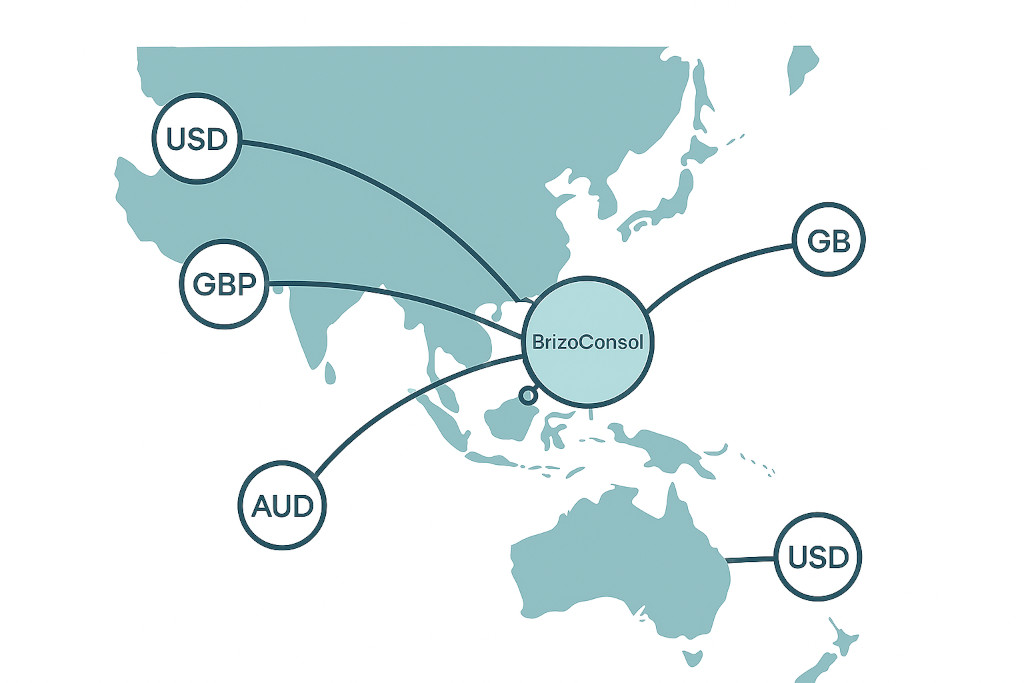
A Singapore-headquartered group has five operating subsidiaries — two in Singapore, one in Australia, one in the UK, and one in the US. Each entity prepares its monthly financials in Excel, using its own chart of accounts. The accounting firm managing the consolidation currently collects five Excel files each month, manually remaps accounts into a master workbook, runs eliminations, translates foreign currencies, and builds the consolidated pack.
With BrizoConsol:
- The firm uploads all five Excel files into BrizoConsol at month-end
- AI mapping aligns each entity’s accounts to the group chart — flagging any new or unrecognised accounts for one-time review
- BrizoElim identifies and eliminates all intercompany transactions
- FX translation is applied automatically for the AUD, GBP, and USD entities
- The consolidated P&L, balance sheet, and cash flow are produced
- The firm reviews the output, exports the consolidated pack, and delivers to the client
The entities sent the same Excel files they always send. The consolidation process — previously a multi-day exercise — is completed in a fraction of the time.
No Disruption. Just a Better Consolidation Layer.
BrizoConsol does not replace Excel at the entity level. It replaces the manual consolidation process that sits above it.
Your entities keep working the way they work. The Excel files they produce become the input to a consolidation engine that handles the rest — accurately, consistently, and with a complete audit trail.
See how it works in a live demo → brizoconsol.com/see-it-in-action