How Multi-Entity Finance Teams Can Finally Take Control of Month-End Close
Month-end close for a single-entity business is manageable. For a group of four, six, or eight entities — each running on a different accounting system, each at a different stage of their close — it becomes a coordination exercise that can consume an entire week of a finance team’s time.
The irony is that most of that time isn’t spent on accounting. It’s spent on communication: finding out which entities have uploaded their trial balance, which are still waiting on a bank reconciliation, which have posted their intercompany adjustments, and which haven’t started at all. Then, once the numbers are finally in, there’s a separate anxiety: making sure no one accidentally posts a backdated journal to a period that’s already been signed off.
These are two distinct problems — visibility and control — and BrizoConsol now addresses both directly with Month End Status and Period Locking.
Close your books faster every month.
BrizoConsol streamlines your month-end consolidation so your team spends less time on manual work.
| Month End Status | Period Locking | |
|---|---|---|
| What it solves | Visibility — knowing where every entity stands in the close at any moment | Control — ensuring finalised numbers cannot be changed after sign-off |
| Who uses it | Group finance manager or CFO monitoring close progress across all entities | Authorised users confirming a period is complete and protecting it |
| What it replaces | Status update emails, shared spreadsheets, and best-guess answers to “where are we?” | Manual discipline and hope that no one posts a backdated journal to a closed period |
| When to use it | Throughout the close cycle — from data loading through to consolidation run | As the final step once each entity’s period has been reviewed and approved |
| Audit trail | Close progress visible in real time across all entities | Full log of who locked, unlocked, and posted — available on demand |
Both features work together as a complete month-end close management layer inside BrizoConsol.
The Visibility Problem: Not Knowing Where Things Stand
In most multi-entity finance teams, close progress lives in someone’s head, a shared spreadsheet, or a chain of emails. A finance manager might know that the Singapore entity is ready but that the Hong Kong subsidiary is waiting on payroll figures. But that knowledge isn’t accessible to anyone else in real time, and it certainly isn’t connected to the consolidation workflow.
The consequence is a close process that’s slower than it needs to be. The group finance team spends time chasing updates rather than reviewing numbers. Delays in one entity cascade into delays for the entire consolidation. And when the CFO asks where things stand, the answer is usually a best-guess assembled from the last round of messages.
Month End Status in BrizoConsol is designed to replace all of that with a single, real-time dashboard.
What Month End Status Shows You
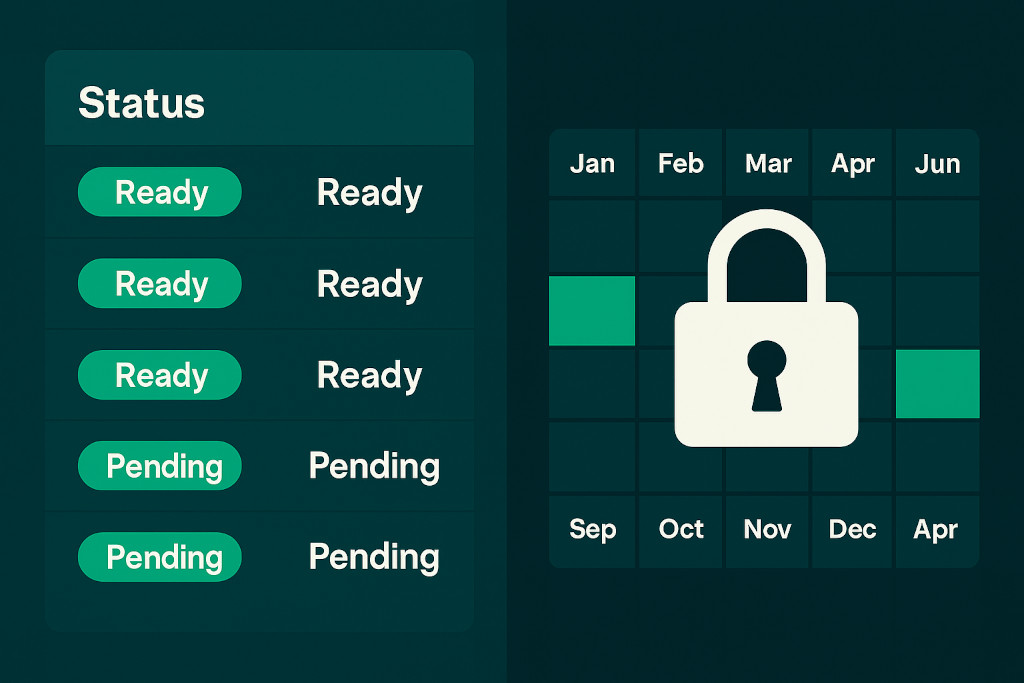
When you open Month End Status, you see every entity in your group in one view. For each entity, the dashboard shows the status of every data dimension that matters for consolidation:
| Indicator | What it shows |
|---|---|
| GL data loaded | Whether the general ledger trial balance has been pulled from the entity’s accounting system |
| Invoices and bills | Whether accounts receivable and payable data is current and loaded |
| P&L tracking | Whether profit and loss activity is active and reconciled for the period |
| Overall readiness | A clear Ready or Not Ready status — no ambiguity about whether the entity can be included in the consolidation run |
| Group-level adjustments | Status of elimination entries, manual journals, NCI, and CTA — so you can see not just whether entity data is loaded, but whether the group-level accounting work is complete |
The summary metrics at the top of the dashboard give you the group-level picture immediately. In a typical close, you might see that five of eight entities are ready, three still have data loading pending, your elimination entries have been posted, and your NCI and CTA journals are confirmed — all without sending a single email.
The consolidation should not run until both entity data and group-level adjustments are green. Month End Status makes that dependency visible and removes the guesswork from the decision to proceed.
For finance managers, the practical impact is significant. Instead of managing close by chasing people, you manage it by monitoring a dashboard. Entities that fall behind become visible immediately, and the conversation shifts from “have you submitted?” to “how can we unblock this?”
The Control Problem: Numbers That Shouldn’t Change — But Sometimes Do
Once all entities have closed and the consolidation has run, there’s a second, quieter risk that finance teams live with. In a multi-entity environment, data flows into BrizoConsol from multiple sources — Xero syncs, CSV uploads, automated integrations. Any of those sources can, in principle, push a transaction that lands in a period you’ve already finalised. It might be a backdated invoice, a correction someone applied in the source system without realising the period was closed, or simply a timing issue with a data sync.
The result is a consolidated report that’s different from the one you signed off on — with no immediate warning that anything has changed.
Period Locking addresses this by giving you the ability to freeze any completed accounting period directly within BrizoConsol. Once a period is locked, no further journal entries or adjustments can be posted to it. Any attempt to do so — whether from a manual entry or a data import — is blocked, with a clear notification explaining why. The numbers you signed off on are the numbers that stay.
How Period Locking Works in Practice
Locking a period is a deliberate action taken by an authorised user once the close for that period is complete. The lock is visible on the Month End Status dashboard, which means the same interface that tells you when a close is ready also gives you the control to protect it once it’s done. That connection matters — it makes period locking a natural final step in the close workflow, rather than an afterthought in a settings menu somewhere.
If a genuine correction is needed after a period has been locked, authorised users can unlock it, make the adjustment, and re-lock. This preserves the flexibility to fix real errors without undermining the safeguard for everything else. The full history of who locked, unlocked, and posted is recorded — giving you the audit trail that any well-governed finance function needs.
The practical recommendation is to lock each entity’s period as soon as it has been reviewed and approved — before running the group consolidation. That way, the consolidated output is built on data that has been explicitly confirmed as final, not data that happens to be there at the moment the consolidation runs.
Conclusion: Two Features, One Workflow
Month End Status and Period Locking are designed to work together as a complete month-end close management layer in BrizoConsol. Month End Status gives your team the visibility to know when close is ready. Period Locking gives you the control to protect it once it is. Together, they replace the coordination overhead and integrity risk that make multi-entity month-end harder than it should be.
Both features are live now in BrizoConsol. If you’re managing month-end across two or more entities today, log in and open Month End Status — the dashboard will show you exactly where your current close stands.