How to Consolidate Multiple Xero Companies Without Excel
If your group runs more than one Xero company, you already know what the month-end process looks like before any real consolidation begins.
Log into entity one, export the trial balance. Log into entity two, export the trial balance. Repeat for every entity in the group. Then open Excel, paste the figures, align the account names, convert the currencies, track down the intercompany balances, and hope nothing has changed in the source files since you started.
That is not the consolidation. That is the preparation. And it takes longer than it should.
Consolidate your Xero entities — automatically.
BrizoConsol pulls from all your Xero organisations and delivers group reports in minutes.
This session is a recorded walkthrough showing how to connect multiple Xero companies directly into BrizoConsol and run a full consolidation — without rebuilding the data in Excel first.
Why Xero Does Not Consolidate Across Entities
Xero is a single-entity accounting system. Each organisation is its own closed environment — there is no native mechanism to combine figures across multiple Xero companies into a group view.
That is not a limitation to work around; it is how Xero was designed. The problem is not Xero. The problem is the gap between Xero and a consolidated view, and the manual process most firms use to fill it.
The Standard Manual Workflow
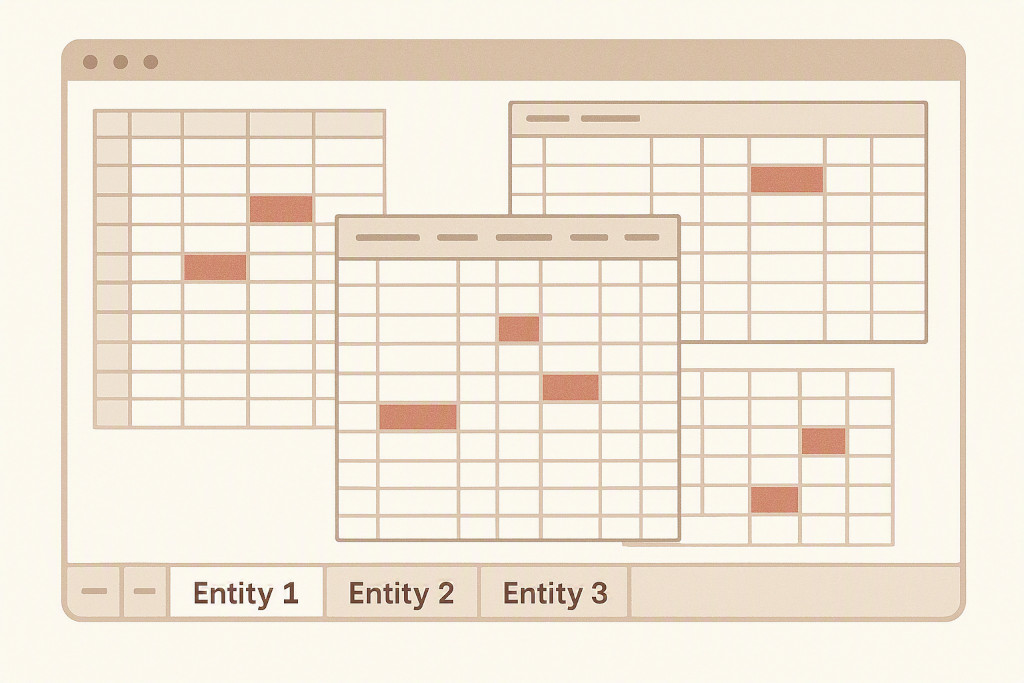
Most group accountants follow the same steps each month.
Export trial balances from each Xero entity. This is straightforward but time-consuming when you are managing five or more companies.
Reformat the exports so they can be compared. Account names rarely match across entities. One company may use “Turnover”, another “Revenue”, another “Sales — Domestic”. Column structures differ. Merged cells, subtotals, and non-standard layouts add time before anything else can happen.
Map and combine the figures into a master workbook. Apply exchange rates manually, sum across entities, track intercompany transactions, and post elimination journals.
The process works. The problem is that it takes two to three hours that repeat every month, and every manual step is a place where an error can enter the consolidation undetected.
A Worked Example: Three Xero Entities, One Consolidated P&L
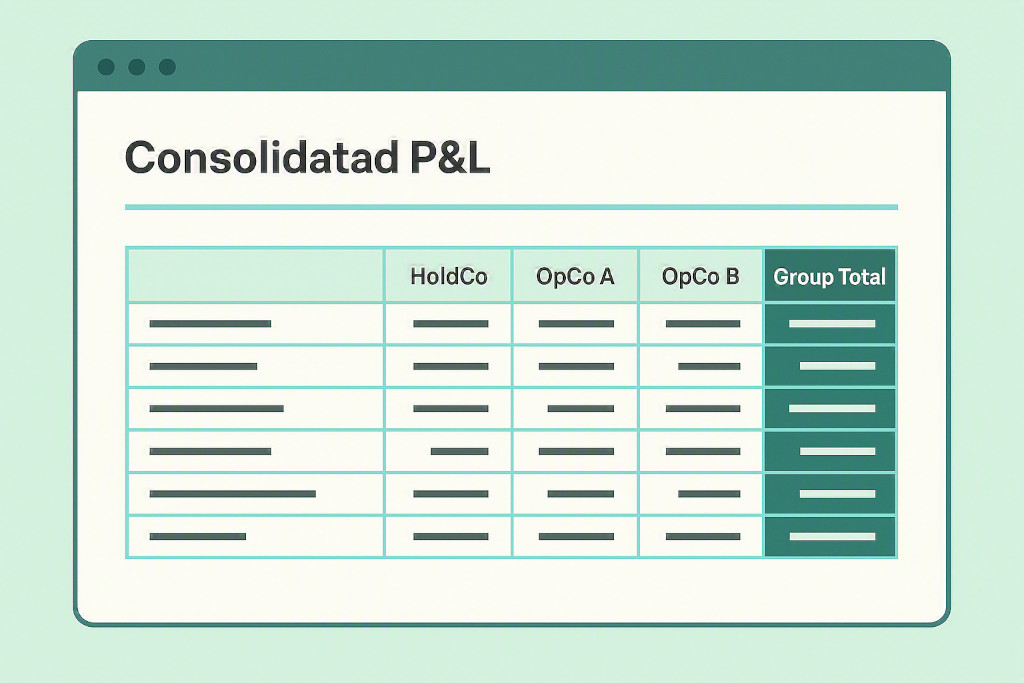
Consider a group with three operating entities:
| Entity | Currency | Revenue (Local) | Rate | SGD Equivalent |
|---|---|---|---|---|
| HoldCo | SGD | 250,000 | 1.000 | 250,000 |
| OpCo A | AUD | 180,000 | 0.917 | 165,060 |
| OpCo B | GBP | 95,000 | 1.789 | 169,955 |
| Gross total | 585,015 |
HoldCo charges OpCo A a monthly management fee of SGD 30,000. In OpCo A’s Xero, this is recorded as an AUD expense (approximately AUD 32,700). In HoldCo’s Xero, it appears as SGD revenue.
At the group level, that transaction is internal. It eliminates — the revenue in HoldCo and the matching expense in OpCo A both disappear from the consolidated P&L.
Consolidated revenue after intercompany elimination: SGD 555,015
In Excel, finding and posting that elimination requires manually matching both sides of the transaction, confirming the amounts agree at the applicable rate, and posting the journal entry. In BrizoConsol, intercompany eliminations are detected automatically from matched pairs and applied without manual intervention.
What the Webinar Covers
The session walks through a live consolidation using a real group structure:
- Connecting multiple Xero organisations in one place
- AI-assisted chart of accounts mapping across entities with different account structures
- Automatic intercompany elimination detection and processing
- Multi-currency translation with CTA posted to OCI
- Generating a consolidated P&L, Balance Sheet, and Cash Flow
The walkthrough uses actual entity data rather than a clean demo environment. The account mapping section covers the common case where account names and codes do not match across the group — which is nearly always the situation in practice.
Who This Is For
This session is for group accountants and finance managers responsible for consolidating two or more Xero companies each month. It is also relevant for accounting firms that manage group reporting for multiple clients.
If your month-end involves exporting from multiple Xero organisations and combining the figures manually, this walkthrough shows an alternative that removes the preparation step entirely.