Xero Group Consolidation: What It Can’t Do — and What Finance Teams Use Instead
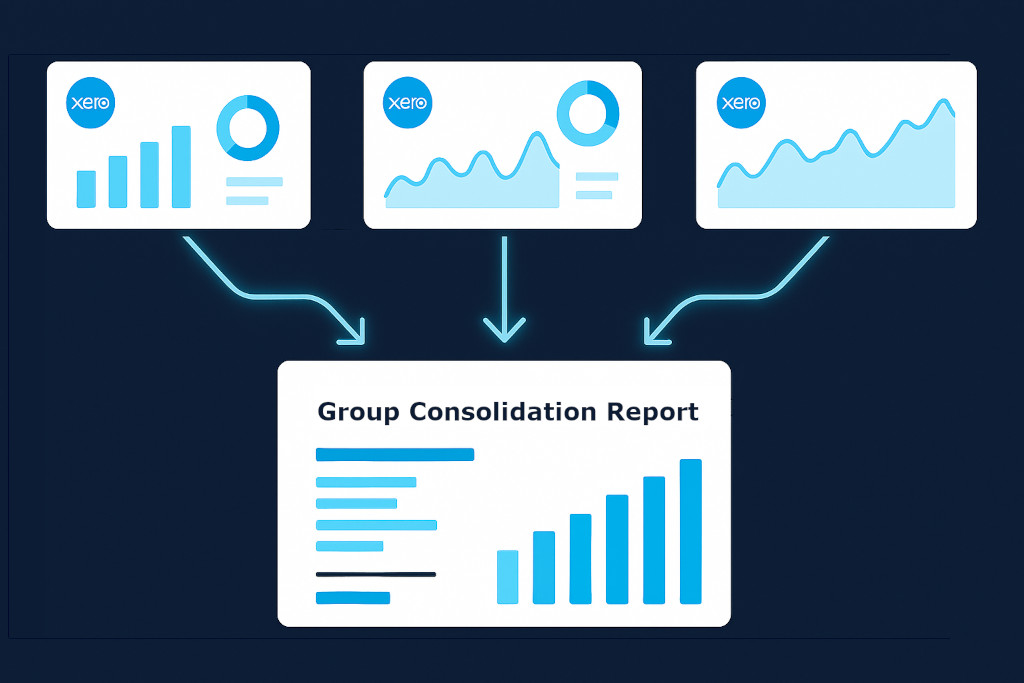
If you manage the finances of a group with two or more entities — all running Xero — you have probably asked the same question at some point: can’t Xero just consolidate everything for me?
The honest answer is: not really. Xero is exceptional at what it was designed to do, which is running the books for a single legal entity. But Xero group consolidation — pulling multiple Xero organisations into one unified P&L, Balance Sheet, and Cash Flow statement, with proper intercompany eliminations and multi-currency conversion — is not a native capability. And the workarounds that finance teams have historically relied on are slow, fragile, and prone to error.
This post explains exactly what Xero can and cannot do when it comes to group reporting, and walks through the approach that multi-entity finance teams are increasingly using instead.
Consolidate your Xero entities — automatically.
BrizoConsol pulls from all your Xero organisations and delivers group reports in minutes.
What Xero Is Built For
Xero is a cloud accounting platform for businesses. It handles invoicing, bank reconciliation, payroll integrations, accounts payable and receivable, and produces entity-level financial reports with speed and accuracy. For a single business, it is hard to beat.
Xero also allows you to manage multiple organisations under one login — so a group with five subsidiaries can have all five Xero files accessible from a single account. This is where things get confusing. Having access to multiple organisations is not the same as consolidating them.
What Xero Cannot Do for Group Consolidation
Here is what Xero does not do natively when it comes to group-level financial reporting:
- Consolidated P&L across entities. There is no built-in report that combines revenue, cost, and profit across all your Xero organisations into a single income statement.
- Intercompany eliminations. When Entity A pays a management fee to Entity B, that transaction appears as revenue in one set of books and an expense in another. Xero does not detect or eliminate these intercompany flows. They will overstate both revenue and expenses in any manual roll-up.
- Multi-currency consolidation. If your subsidiaries operate in different currencies, Xero does not translate each entity’s figures to a presentation currency and calculate the cumulative translation adjustment (CTA) required under IFRS or US GAAP.
- Non-controlling interest (NCI) calculations. If you own 75% of a subsidiary, the NCI — the 25% that belongs to outside shareholders — needs to be calculated and presented correctly in consolidated equity. Xero has no mechanism for this.
- Consolidated Balance Sheet. Rolling up assets, liabilities, and equity across entities, with proper elimination of intercompany loans and investments, cannot be done in Xero.
- Audit trail for consolidation adjustments. Any manual adjustments you make outside of Xero — in a spreadsheet consolidation — leave no traceable audit trail within the accounting system itself.
💡 The key distinction: Xero gives you access to multiple sets of books. Consolidation means combining those books correctly, which requires eliminations, currency translation, NCI treatment, and a single unified output. That process happens above Xero, not inside it.
The Spreadsheet Consolidation Problem
Faced with Xero’s limitations, most multi-entity finance teams default to a spreadsheet-based consolidation process. The workflow typically looks like this: export a trial balance from each Xero organisation, paste it into a master Excel workbook, map each entity’s accounts to a common chart of accounts, manually enter eliminations, apply currency conversion using that month’s rates, and then build summary financial statements from SUMIF formulas.
This works — until it doesn’t. As entities are added, as currencies multiply, as intercompany transactions grow in volume, the spreadsheet becomes unmanageable. A single broken formula, a misapplied exchange rate, or a missed elimination can silently corrupt the consolidated output. Auditors find these errors. Boards ask questions at the wrong moment.
Beyond accuracy, there is the time cost. Multi-entity spreadsheet consolidations routinely consume three to five days of finance team time each month. That is time that could go toward analysis and decision support instead of data assembly.
How Dedicated Consolidation Software Handles What Xero Cannot
The solution that growing multi-entity groups are moving to is purpose-built consolidation software — tools that connect directly to Xero (and other accounting systems) and handle the consolidation layer automatically.
Here is what that looks like in practice with BrizoConsol:
1. Direct Xero Integration
BrizoConsol connects to each of your Xero organisations via the Xero API. There are no CSV exports, no copy-paste. Financial data pulls automatically on a schedule, so your consolidated view is always current — not frozen as of the last time someone had time to update the spreadsheet.
2. Automatic Intercompany Eliminations
When your charts of accounts are aligned across entities, BrizoConsol detects intercompany transactions and eliminates them automatically. Management fees, intercompany loans, recharges — all identified and removed from the consolidated view. Manual elimination entries remain fully traceable and auditable when needed.
3. Multi-Currency Consolidation with CTA
Each entity’s figures are translated to the group’s presentation currency using the correct rates — closing rate for balance sheet items, average rate for income statement items, historical rate for equity. The cumulative translation adjustment is calculated and presented correctly in consolidated equity, as required under IFRS and US GAAP.
4. Non-Controlling Interest
BrizoConsol calculates NCI based on your ownership percentages. Minority interests are correctly isolated in the consolidated Balance Sheet and Income Statement without manual calculation.
5. Consolidated Reports on Demand
The output is a set of proper consolidated financial statements — P&L, Balance Sheet, Cash Flow — that can be exported, shared, or automatically delivered to stakeholders. Reports that previously took days to assemble are available in minutes.
Who This Matters For
Xero group consolidation becomes a genuine problem at different points for different organisations. For some, it surfaces when the group reaches three or four entities. For others, it becomes critical when a subsidiary in a different country introduces a second currency. For accounting firms advising multi-entity clients, the manual consolidation process is a recurring cost that limits how many groups they can service efficiently.
The common thread is that the question stops being “how do we do this consolidation” and starts being “how do we do it accurately and quickly, every month, without it consuming a week of our time.”
A Practical Starting Point
If you are currently managing Xero group consolidation in a spreadsheet — or if you are building one for the first time — the most useful first step is to identify how many intercompany transactions your group runs each month. That number tends to determine how quickly a manual process breaks down. Groups with frequent intercompany activity — loans, recharges, management fees, shared services — typically reach the limit of what a spreadsheet can handle within a few months of trying.
Consolidation software does not replace Xero. It sits above it, pulls from it, and handles the layer of work that Xero was never designed to do. For groups where accurate, timely consolidated reporting is important — which is most groups above a certain size — it is the most direct path to financial clarity without manual overhead.