10 Signs You’ve Outgrown Excel for Financial Consolidation
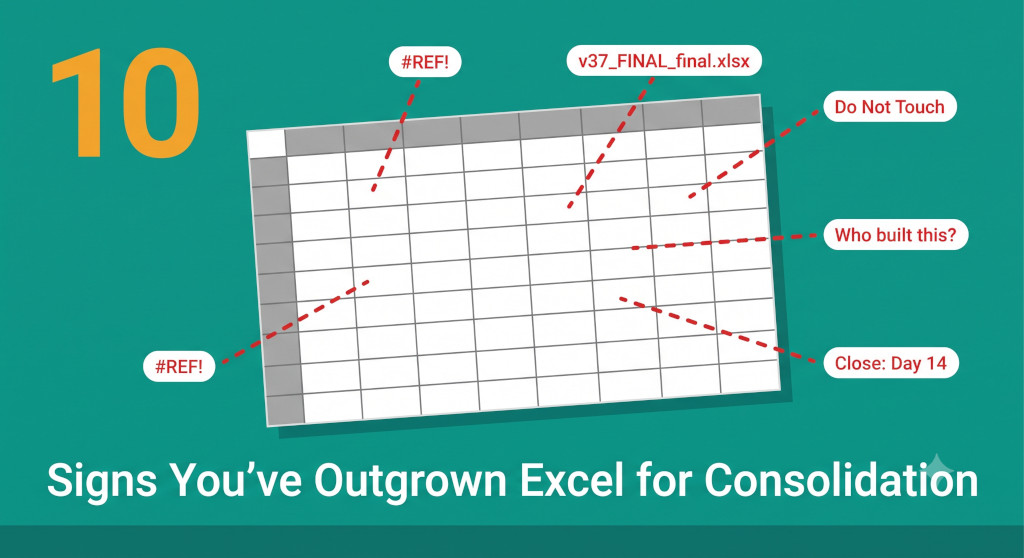
Nobody builds a consolidation model in Excel and thinks: this will break us eventually. They build it because it solves the immediate problem — two entities, a simple intercompany relationship, a manageable close. It works. Then the business acquires a third entity. Then a fourth. A foreign subsidiary joins. Someone adds a new revenue line that doesn’t map cleanly to the existing chart of accounts. The model grows, a macro is added here, a named range there, a workaround for the circular reference that appeared when Singapore was added. At some point — no single identifiable moment, no dramatic failure — the model stops being a tool and becomes a liability. The group is no longer running the spreadsheet. The spreadsheet is running the group.
The trouble with outgrowing Excel for consolidation is that it happens gradually and then suddenly. The close takes eleven days instead of seven, and the reason given is “we had a difficult month.” The auditors ask for a walk-through of the consolidation model and the finance director realises she cannot give one without calling in the person who built it. An error surfaces in the board pack — a transposition in the FX rate table that added £180,000 to the reported revenue of the Australian entity — and nobody is entirely sure how long it was there.
The ten signs below are the most reliable indicators that a consolidation model has crossed from “functional” to “fragile.” Count how many apply to your group. The number is more instructive than any individual sign.
Automate NCI calculations across all your entities.
BrizoConsol handles non-controlling interest automatically — no manual adjustments required.
Signs 1–4: Complexity You Can No Longer Control
Sign 1
There Is a Tab in Your Workbook Nobody Is Allowed to Touch
You know the one. It is colour-coded differently from the rest — grey, perhaps, or a slightly menacing dark red. It contains the intercompany elimination logic, or the FX rate translation formulas, or the minority interest calculation. Someone built it, and it works, and everyone has agreed by silent consensus that it should never be modified. When a new scenario arises that requires a change to the logic — a new entity, a new intercompany transaction type — the group works around it rather than through it.
This is not a quirk. It is evidence that the model has become too complex for its maintainers to understand fully, and that the risk of breaking something outweighs the benefit of improving something. A consolidation tool should not have protected areas. When it does, it means the tool has become more complex than the people using it.
What it signals:
The model is beyond the team’s ability to safely modify. Any change introduces unquantifiable risk — which means the model will not be changed, even when the business changes around it.
Sign 2
The Close Takes Longer Every Quarter Even Though Nothing Changed
Excel consolidation models do not scale linearly. Adding a fifth entity to a four-entity model does not add 25% to the close time — it adds the time for all the new intercompany relationships that fifth entity introduces, the additional elimination journal entries, the extra tab in the workbook, and the inevitable troubleshooting when something that used to work automatically stops working because a range reference broke. Each entity added compounds the complexity non-linearly.
If your close is taking longer each quarter and the business explanation is “we’re busier” or “it was a complex month,” test that hypothesis. Compare your close duration from eighteen months ago to today. If it has grown by more than 20% without a corresponding growth in entities or complexity, the model itself is the problem — not the business.
What it signals:
The model’s maintenance overhead is growing faster than the business it serves. The team is spending more time managing the tool than using the output.
Sign 3
Your FX Translation Is a VLOOKUP Against a Rate Table
Foreign currency translation in Excel typically involves a manually updated rate table — a tab where someone types in the closing rate and average rate for each currency at month end, and a VLOOKUP (or INDEX/MATCH) that pulls those rates into the balance sheet and income statement translations. This approach works when rates are entered correctly. It fails silently when they are not — when the wrong month’s rate is copied in, when a new currency is added to the group but not to the rate table, or when the average rate for March is accidentally applied to April’s income statement.
Silent failures in FX translation are particularly dangerous because the magnitude of the error scales with the size of the foreign entity. A 3% error in the AUD/GBP rate applied to a subsidiary with £10 million of revenue introduces £300,000 of error into the consolidated income statement. That error may not be obvious until it appears in a variance analysis — or in an audit query.
What it signals:
Critical financial inputs are being entered manually with no validation, no automatic source, and no error-checking. The accuracy of the consolidated accounts depends entirely on whether a rate was typed correctly.
Sign 4
Adding a New Entity Takes Weeks, Not Hours
When a group acquires or establishes a new subsidiary, the consolidation model needs to accommodate it. In a well-structured dedicated tool, adding a new entity is a configuration step — a few hours of mapping account codes, confirming the intercompany relationships, and running a test consolidation. In a complex Excel model, it means restructuring the workbook: new columns, new tabs, new named ranges, new elimination logic, new FX rows, and a careful test to ensure that none of the existing formulas broke when the structure changed. In practice, it often means rebuilding significant sections of the model from scratch.
The symptom is that the finance team builds a separate “new entity” workbook to bridge the gap while the main model is updated — and sometimes the bridge workbook becomes permanent, with the new entity never fully integrated into the core model. The group ends up with two consolidation models, loosely linked by copy-paste.
What it signals:
The model’s architecture cannot accommodate growth without significant manual reconstruction. The tool is a barrier to business agility, not a support for it.
Adding a new entity should take minutes
BrizoConsol connects to a new entity’s accounting system, maps its chart of accounts to the group structure, and includes it in the next consolidation run — with no workbook reconstruction required. See It in Action
Signs 5–7: People Problems Disguised as Process Problems
Sign 5
One Person Is the Only One Who Can Run the Close
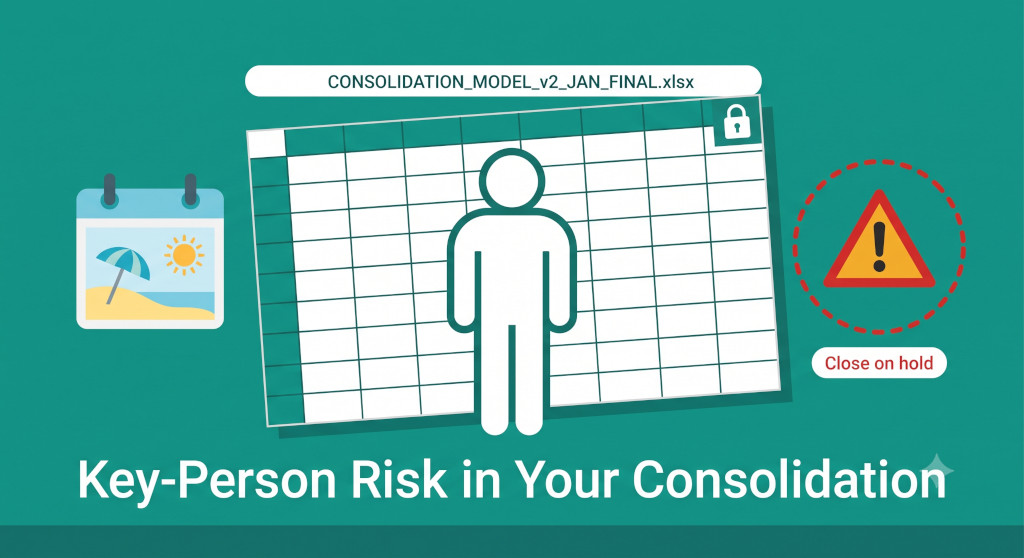
The consolidation model was built by someone skilled — probably the group controller or a senior management accountant who joined at a formative stage of the group’s growth. Over time, the model became a reflection of that person’s understanding of the business: named ranges that make sense to them, tabs ordered in a way that reflects their workflow, formulas that encode institutional knowledge not captured anywhere else. Nobody documented it, because the person who built it did not need documentation.
The risk becomes visible when that person is on holiday, on sick leave, or has resigned. The close does not proceed normally. Someone else opens the model, finds tabs they do not understand, and either waits for the model’s author to be available or produces a close of uncertain quality by attempting to replicate steps they have only partially observed. Both outcomes are bad. The first delays the board pack; the second risks errors in the accounts.
What it signals:
The group’s most important financial process has a single point of failure. This is an operational risk, not just a process inefficiency — it is the kind of risk that appears in auditor management letters.
Sign 6
The Auditors Spend More Time on the Model Than on the Entities
External auditors test the consolidation as part of the group audit. In a well-controlled consolidation, this means confirming that the eliminations are complete, that the accounting policies are consistent, and that the group accounts reconcile to the underlying entity accounts. In an Excel consolidation of any complexity, it often means something else: the auditors cannot independently follow the logic of the model, request a walkthrough that takes half a day, identify ranges where formulas are inconsistent across rows, and raise queries about tabs whose purpose is unclear. The audit of the consolidation tool becomes the most time-consuming part of the group audit.
This has a direct cost — audit fees for time spent on the model — and an indirect cost: the finance team’s time spent responding to auditor queries about the model rather than about the business it is supposed to represent.
What it signals:
The model lacks the transparency and consistency that a controlled financial process requires. Audit time on the tool is audit time not spent on the things that actually matter.
Sign 7
Intercompany Eliminations Are Redone From Scratch Every Month
In a multi-entity group, the intercompany elimination entries for recurring transactions — management fees, intercompany loans, shared service recharges — are broadly the same every period. The amounts change; the structure does not. In a dedicated consolidation tool, these recurring eliminations are set up once and recalculated automatically each period from the live intercompany balances. In Excel, they are typically recreated manually each month: the prior month’s elimination tab is copied, the amounts are updated, and the formulas are checked to make sure nothing broke in the copy.
Manual recreation of eliminations each period introduces two risks. First, it is slow — a meaningful portion of the close time is spent on work that should not require human input. Second, it is inconsistent — the elimination approach for a particular intercompany relationship may be applied differently in different months, depending on who is running the close and which version of the prior month they copied from.
What it signals:
The close is being slowed by manual repetition of structured work that should be automated. The team is doing accounting by copy-paste, which is the highest-risk form of data entry.
Signs 8–10: Data Integrity You Can No Longer Trust
Sign 8
You Have Had a Version Control Incident
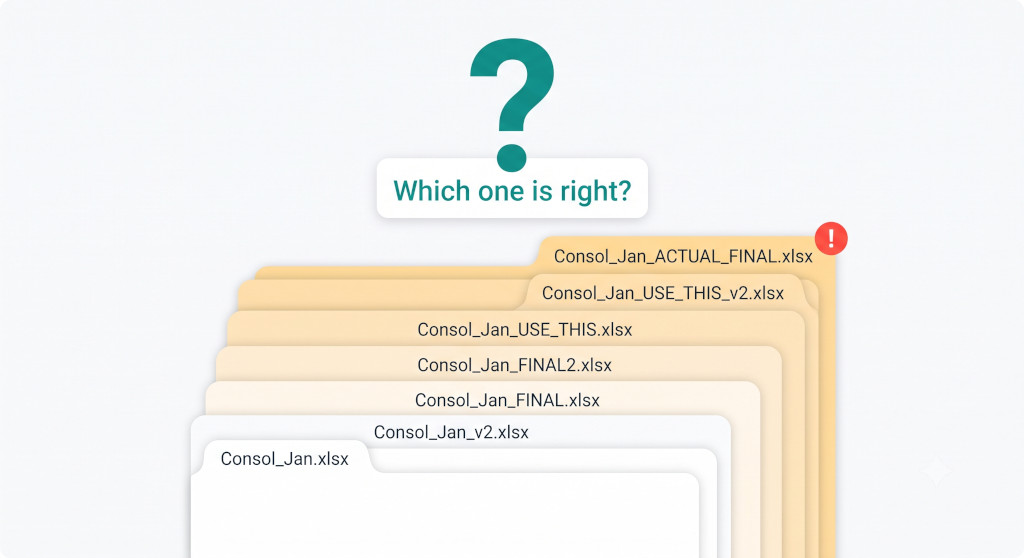
A version control incident is any moment in which two or more versions of the same month’s consolidation exist simultaneously, and it is not immediately clear which is the authoritative one. It might be two people who opened and saved the file at the same time from the shared drive. It might be a “corrected” version sent by email that was applied to an older base file than intended. It might be a backup copy opened in error and used for the board pack while the current version sat untouched on the server.
Version control incidents in consolidation are not rare. They are practically inevitable in any team that shares a large workbook across a network drive without version management. The consequence ranges from minor — a ten-minute reconciliation to confirm which version is right — to significant: a board pack presented with the wrong numbers, discovered after the meeting.
What it signals:
The group’s consolidation data does not have a single source of truth. If it has happened once, it will happen again — and the next time may be harder to catch.
Sign 9
You Cannot Explain a Variance Without Opening the Model
The CFO asks: “Revenue is up £340,000 on last month — how much of that is FX and how much is organic?” The right answer should be available in seconds from the consolidated accounts. In most Excel consolidations, producing it requires opening the model, navigating to the FX translation sheet, extracting the prior month’s translated figures, calculating the FX effect manually, and then cross-referencing to the entity submissions to isolate the organic component. The answer takes twenty minutes to produce and requires the model to be open the entire time.
The inability to answer basic variance questions quickly is not a reporting problem — it is a data structure problem. The model holds the data needed to answer the question, but it is structured for producing outputs, not for interrogating them. Adding a new question requires building a new section of the model. Boards that ask questions get slow, reluctant answers. Over time, they stop asking, and the finance function loses its position as a source of analytical insight.
What it signals:
The consolidation model is a production tool, not an analytical one. The group cannot use its own financial data to answer management questions in real time.
Sign 10
You Found an Error That Had Been in the Accounts for More Than One Period
This is the sign that tends to end the conversation about whether Excel is still adequate. An error is discovered in the current month’s close — a formula that references the wrong column, an elimination that was applied to the wrong entity pair, an FX rate that was correct for March but carried forward unchanged into April and May. The immediate reaction is to correct the current month. The second reaction — the one that keeps finance directors awake — is to ask: how long has this been here?
In an Excel model without a robust change log or formula audit, answering that question is difficult. Comparing month-by-month workbooks to trace when the error was introduced takes hours, assumes all prior months’ versions are retained, and still may not produce a definitive answer if the workbook was restructured at some point. The accounts for several months may need to be restated. Prior board packs may have contained incorrect numbers. If the group is in a transaction — a fundraise, an acquisition, a bank covenant review — the discovery of a multi-period error in the consolidation model at a critical moment is catastrophic.
What it signals:
The model lacks the audit trail and version history to detect errors at the point they occur, let alone trace when they were introduced. Errors compound in silence until they are discovered — usually at the worst possible time.
How Many Apply to You?
Your Score
1–2 signsNormal friction for a growing group — monitor the trend
3–4 signsThe model is beginning to slow you down — assess the risk formally
5–6 signsThe model is a liability — the cost of staying is already exceeding the cost of changing
7–10 signsThe model is a significant operational and audit risk — this is urgent
The useful question is not “does our Excel model have problems?” Almost every Excel consolidation model of any scale has problems. The useful question is: what is it costing us to keep using it, and does that cost exceed the cost of replacing it?
The costs of staying are diffuse and rarely appear on a budget line: two extra days of close time every month, audit fees for hours spent walking auditors through the model, the salary cost of the person who cannot be on leave during a close, the opportunity cost of a finance team that spends its time managing a spreadsheet instead of generating insight. These costs are real and they compound. They do not appear on an invoice — they appear in a slower close, a less analytical finance function, and a board that has learned not to ask questions the finance team cannot answer quickly.
For groups that have identified a version control incident, a multi-period error, or a key-person dependency in their consolidation model, the risk is no longer theoretical — it has already materialised. The question is whether the next materialisation will be as manageable as the last.
Replace the model. Keep the knowledge.
BrizoConsol imports your chart of accounts, connects to Xero, QuickBooks, MYOB, or Zoho Books, and runs your consolidation automatically — with a full audit trail, automatic FX translation, and eliminations that don’t need to be recreated each month. Start free, no credit card required. Start Free Trial