Account Mapping Just Got Easier: Section Column and Searchable CCOA Dropdown Now Live
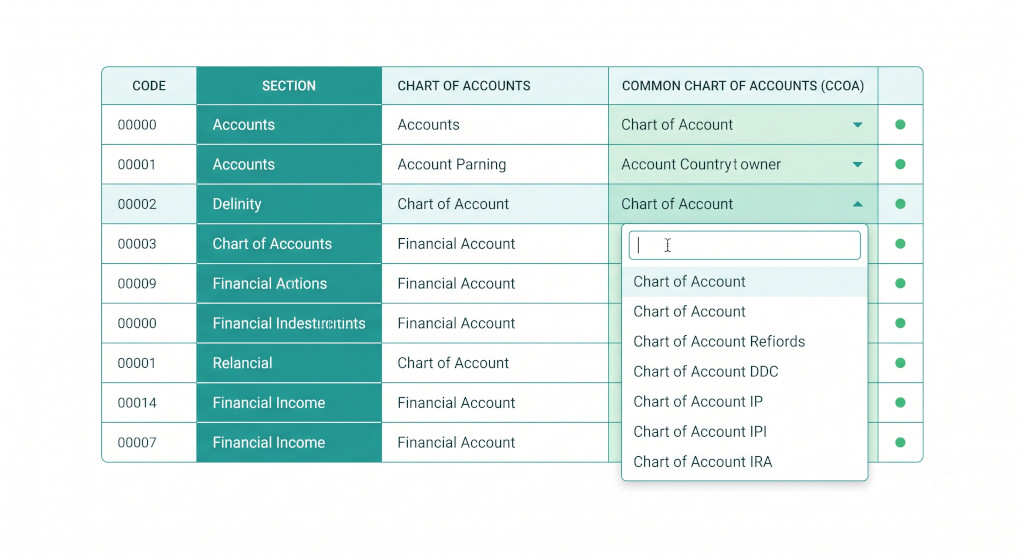
Mapping a sub-organisation’s Chart of Accounts to your group’s Common Chart of Accounts is one of the foundational steps in setting up a consolidation. For groups with long account lists — or with entities that use different account structures — it can also be one of the more time-consuming parts of the setup process.
We have made two targeted improvements to the Account Mapping page in BrizoConsol that make this process noticeably faster and less error-prone.
🗂️Section Column
The mapping table now shows a Section column alongside each account, so you can see at a glance whether an account is a Bank, Fixed Asset, Accounts Receivable, or any other account type — without having to remember or look it up separately.
Stop building consolidations in spreadsheets.
BrizoConsol automates multi-entity consolidation — setup in minutes, reports the same day.
🔍Searchable CCOA Dropdown
The Common Chart of Accounts selector is now fully searchable. Type any part of an account name or code directly in the dropdown to filter results instantly — no more scrolling through a long list to find the right match.
Section Column: Map With Confidence
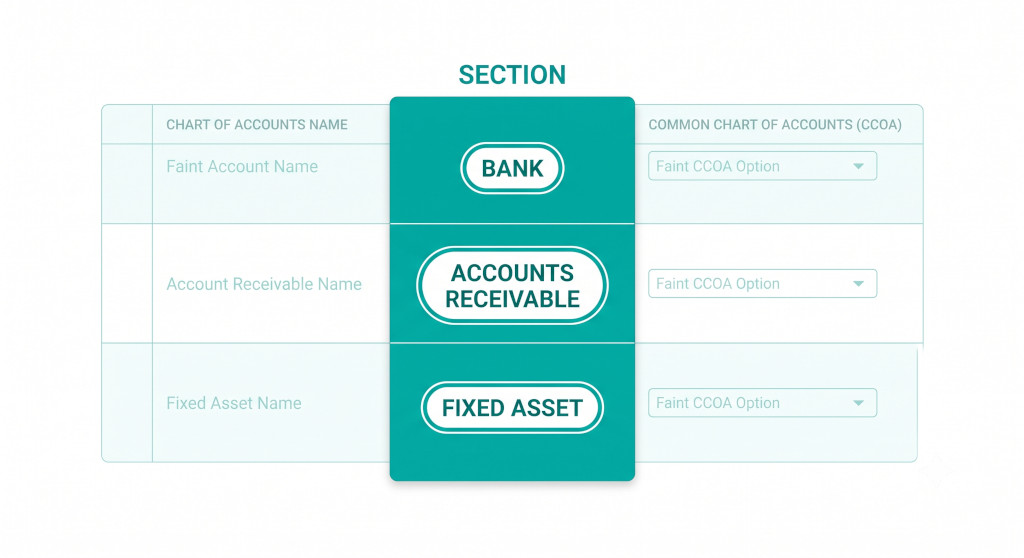
Previously, the Account Mapping table showed you the account code and name from the sub-organisation’s Chart of Accounts, alongside the CCOA dropdown. If you were mapping an unfamiliar account or one with a generic name, you often had to cross-reference the source accounting system to confirm what type of account it was before mapping it correctly.
The new Section column removes that friction. Each row now displays the account section — Bank, Accounts Receivable, Inventory, Fixed Asset, Accounts Payable, and so on — as a label directly in the table. This gives you the context you need to map confidently, especially when working through a long account list or handing the mapping task to someone less familiar with a particular entity’s accounts.
Correct section classification is important because BrizoConsol uses account type to validate mappings and flag mismatches. Seeing the section upfront makes it much easier to spot potential type conflicts before they occur.
Searchable CCOA Dropdown: Find the Right Account in Seconds
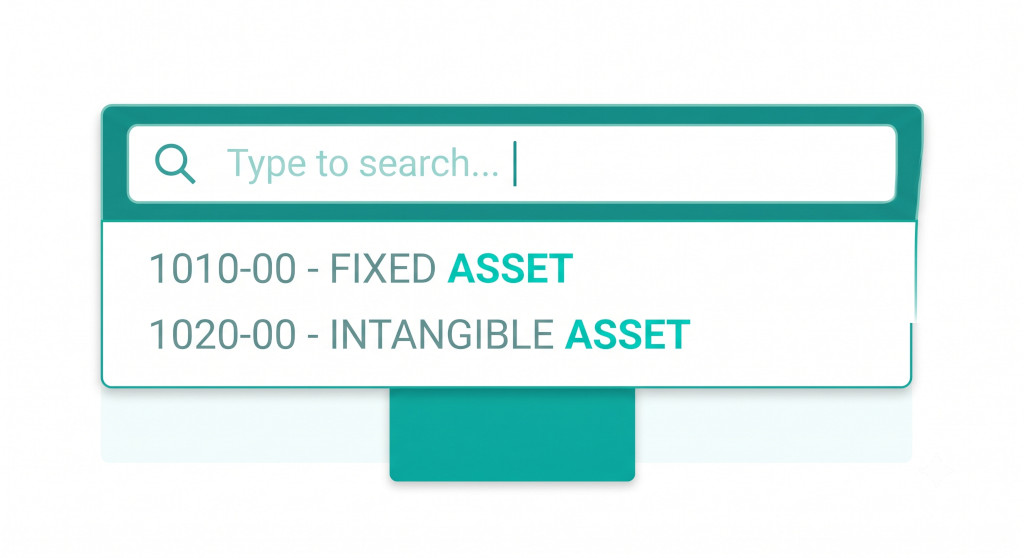
Groups with a large common chart of accounts can have dozens or even hundreds of CCOA entries. Scrolling through a static dropdown to find the right match is slow and easy to get wrong — particularly when multiple accounts have similar names.
The CCOA dropdown now works as a search field. Click into it and start typing — an account name, a code, or even just the first few letters — and the list filters in real time to show only matching results. Select from the filtered list and move on. For high-volume mapping sessions, this alone can cut the time spent on account mapping significantly.
This applies to every row in the mapping table, for every sub-organisation in your group. The AI Auto-Map feature continues to handle the bulk of mapping automatically for most groups — the searchable dropdown is there for the cases where you want to review or override a specific mapping manually.
Where to Find It
These changes are live now for all BrizoConsol groups. Navigate to Organisation Settings → Account Mapping, select a sub-organisation from the dropdown, and you will see both the Section column and the searchable CCOA selector in the mapping table.
If you have not yet completed account mapping for all your entities, this is a good moment to work through any remaining unmapped accounts — the Pending counter at the top of the page will show you exactly how many still need attention.
New to BrizoConsol?
Set up your group consolidation in minutes. Connect your accounting software, map your accounts, and produce your first consolidated report — all from one place. Start Free Trial