QuickBooks Group Reporting: How Multi-Entity Groups Produce Consolidated Accounts
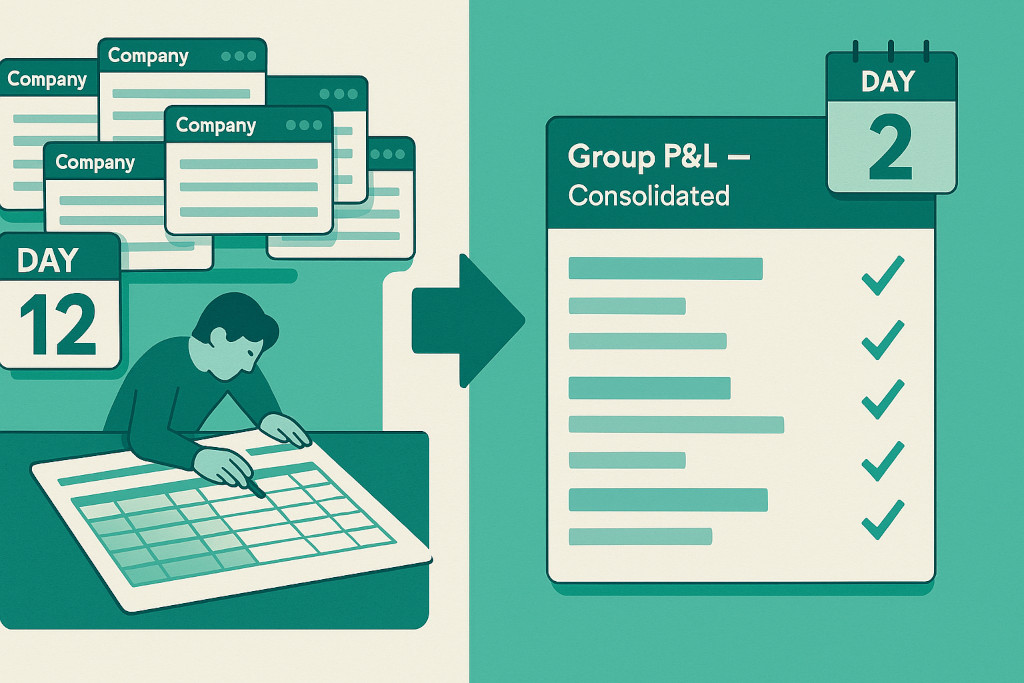
The finance manager of a nine-entity franchise group knew her QuickBooks numbers cold. Every week she reviewed each company’s P&L — revenue per location, cost variances, margins — and reported back to the board. What she could not do, despite years of trying, was produce a single consolidated group P&L without first exporting every company’s trial balance into a master Excel workbook, hand-mapping the account codes, deleting the intercompany management fees, and hoping that nothing had changed in one of the source files since she last updated the mapping. The consolidated pack took four days to produce and was out of date by the time it landed in the board pack.
Her problem is structural, not personal. QuickBooks group reporting does not exist as a native function in QuickBooks Online. The platform is built around the single-company model. Understanding why — and what multi-entity groups actually need to solve it — is the starting point for getting consolidated accounts out of QuickBooks properly.
What QuickBooks Online Does Well for Growing Businesses
For a single-entity business, QuickBooks Online is an excellent platform. Invoicing, bank feeds, VAT/GST returns, payroll, management reports — the core accounting workflow is well handled. As businesses grow, adding entities on QuickBooks is straightforward: each company gets its own subscription, its own chart of accounts, its own bank feeds. The finance team ends up with clean, well-maintained books at the entity level.
Multi-entity QuickBooks consolidation, done for you.
Connect all your QuickBooks companies and get consolidated financials instantly.
The gap opens at the group level. QuickBooks Online has no native mechanism to combine the accounts of multiple companies, eliminate intercompany transactions, or produce a consolidated balance sheet and P&L across the group. When the board asks for a group view — or when the bank asks for consolidated accounts — the finance team has to construct it manually.
Where QuickBooks Group Reporting Hits a Wall
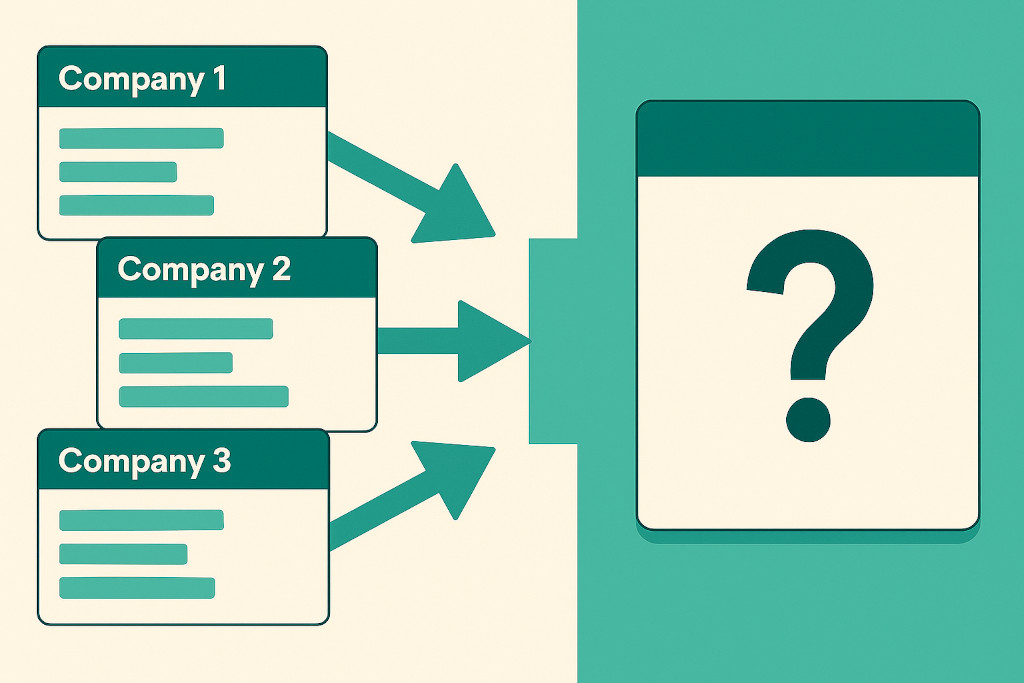
The limitations of native QuickBooks multi-entity reporting fall into four clear categories, each of which creates a distinct problem when producing group accounts.
| Limitation | What it means in practice |
|---|---|
| No consolidated view across companies | QuickBooks Online does not allow you to run a single P&L or balance sheet across multiple companies. Each company is a separate silo.→ Group accounts must be assembled manually outside the platform |
| No intercompany elimination | Management fees, intercompany loans, and intragroup sales recorded in QuickBooks cannot be eliminated at the consolidation stage. If your holding company charges management fees to subsidiaries, those fees will appear in both revenue and expenses unless you remove them manually.→ Consolidated P&L overstates both revenue and costs |
| No group chart of accounts | Each QuickBooks company uses its own chart of accounts. Where companies were set up independently or acquired from different owners, account names and codes will differ. Before any consolidation can run, every account must be mapped to a common group structure.→ Manual remapping required every reporting period |
| Limited multi-currency consolidation | QuickBooks Online handles multi-currency within a single company reasonably well, but translating the financial statements of a foreign-currency entity into the group presentation currency — at the correct closing and average rates — is not a native function.→ CTA calculations must be done manually for any foreign subsidiaries |
These are not edge cases. They are the core requirements of any group consolidation. As we explored in our overview of what QuickBooks multi-entity consolidation can’t do natively, the platform was simply not designed to solve these problems — which is why dedicated consolidation software exists.
What QuickBooks Group Reporting Actually Requires
Producing reliable consolidated accounts from multiple QuickBooks companies involves five distinct steps, regardless of whether you do it manually or use software to automate them.
- Extract trial balances from all entities
Every QuickBooks company’s trial balance for the period must be captured at the same point in time — after month-end journals have been posted and before any cross-entity adjustments are made. - Map to the group chart of accounts
Each entity’s account codes must be translated into the group structure. A management fee posted to “Admin & overhead” in one company and “Group charges” in another must land in the same group line before consolidation can run. - Eliminate intercompany transactions
Every intragroup transaction — management fees, intercompany loans, dividends, intragroup sales — must be removed from the consolidated accounts. Both sides of each transaction must be eliminated: the income in the charging entity and the expense in the receiving entity. - Translate foreign currency entities
For any entity that reports in a currency other than the group presentation currency, the balance sheet must be translated at the closing rate and the P&L at the average rate. The resulting difference is recognised as a cumulative translation adjustment in group equity. - Produce consolidated statements
With the adjusted, eliminated, and translated figures in place, the consolidated P&L, balance sheet, and cash flow statement can be produced. These are the group accounts your board, bank, or auditors are asking for.
Done manually in Excel, steps 2 through 4 consume the bulk of the time — and introduce most of the errors. The account mapping must be rebuilt or carefully checked each period. The intercompany schedule must be reconciled between entities. The CTA calculation must be rerun whenever exchange rates move. For a detailed look at how the intercompany piece works mechanically, see our practical guide to intercompany eliminations.
How QuickBooks Group Reporting Works With Consolidation Software
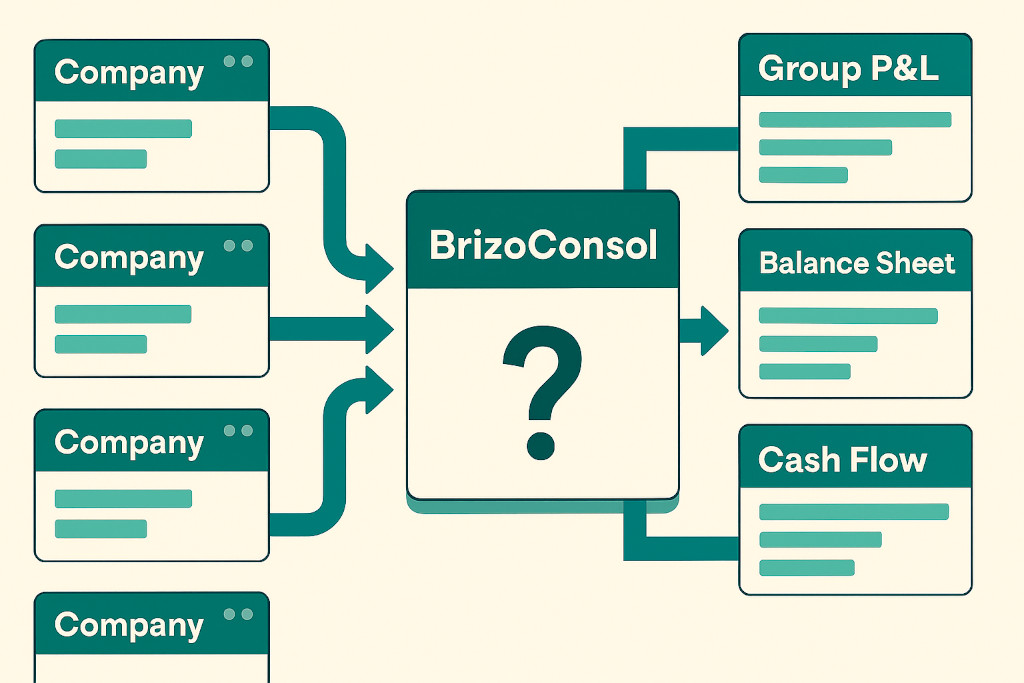
Consolidation software solves the QuickBooks Online consolidation problem by sitting between your QuickBooks companies and your group reporting layer — connecting directly to each entity, automating the steps above, and producing consolidated accounts without manual exports or spreadsheet assembly.
BrizoConsol connects to QuickBooks Online via direct API. There is no CSV export, no file upload, and no version-control problem. The moment each entity’s data is available in QuickBooks, it is available in the consolidation engine. From there:
- AI Auto-Map handles the chart of accounts translation. Set up once per entity; the mapping is applied automatically to every subsequent period. Where account codes change in QuickBooks, the system flags the unmapped lines for review rather than silently dropping them.
- Automatic intercompany eliminations match the management fee income in the holding company against the expense in each subsidiary and eliminate both without manual journal entries. Every elimination is logged with a full audit trail.
- Multi-currency translation applies closing rates to balance sheet items and average rates to P&L items for any foreign-currency entity, then posts the resulting CTA to group equity — in line with IFRS and UK GAAP requirements.
- Virtual Groups allow you to produce consolidated accounts for any subset of your entities — by region, brand, or business line — without duplicating the underlying data. A franchise group can consolidate all franchise entities separately from corporate entities in a single pass.
- Consolidated P&L, balance sheet, and cash flow on demand — updated automatically each period as QuickBooks data refreshes.
Typical result: Groups moving from manual Excel consolidation to BrizoConsol reduce their consolidated close from 8–12 days to 1–2 days. The time saved is in steps 2–4 above — the mapping, elimination, and translation work that software handles automatically.
Conclusion: Is Consolidation Software Right for Your QuickBooks Group?
The answer depends primarily on the complexity of your group structure. A simple two-company group with no intercompany transactions, no foreign entities, and identical charts of accounts might manage with a manual consolidation in Excel — though even then, the risk of error at audit is real.
Consolidation software becomes clearly worthwhile when any of the following apply:
- Three or more QuickBooks companies in the group
- Regular intercompany transactions (management fees, loans, intragroup sales)
- Any entity reporting in a foreign currency
- Bank or investor covenants requiring consolidated accounts on a set schedule
- Different charts of accounts across entities (common in groups that have grown by acquisition)
- IFRS or UK GAAP reporting obligations at group level
For groups already spending more than two days per month assembling consolidated accounts — or where the person who built the Excel consolidation model is the only one who understands it — the case for automation is straightforward. The finance function gets the time back; the board gets reliable, audit-ready consolidated accounts rather than a best-efforts spreadsheet.
You can see how this fits the broader question of what to look for when evaluating tools in our guide to choosing group reporting software for finance leaders.