Built-In Reports and Custom Reports in BrizoConsol: Everything Your Group Needs, Ready When You Are
Most finance teams working across multiple entities deal with a version of the same problem: the underlying data exists, but turning it into a report — a real one, formatted and ready for the board — takes far longer than it should. Trial balances are pulled from different accounting systems, pasted into a spreadsheet, reformatted, and then handed to someone who turns them into a presentation. By the time the report lands in front of decision-makers, it is already days old.
BrizoConsol is built around a different model. Because consolidation happens directly in the platform — from live API connections to Xero, QuickBooks, MYOB, and Zoho Books — the reports are always current. There is no separate reporting step. The moment each entity’s data syncs, the consolidated view updates with it.
This article covers what BrizoConsol produces out of the box, how the custom reporting tools work, and how finance teams can automate report delivery to stakeholders without creating more work for themselves.
Stop building consolidations in spreadsheets.
BrizoConsol automates multi-entity consolidation — setup in minutes, reports the same day.
Built-In Consolidated Reports: P&L, Balance Sheet, and Cash Flow
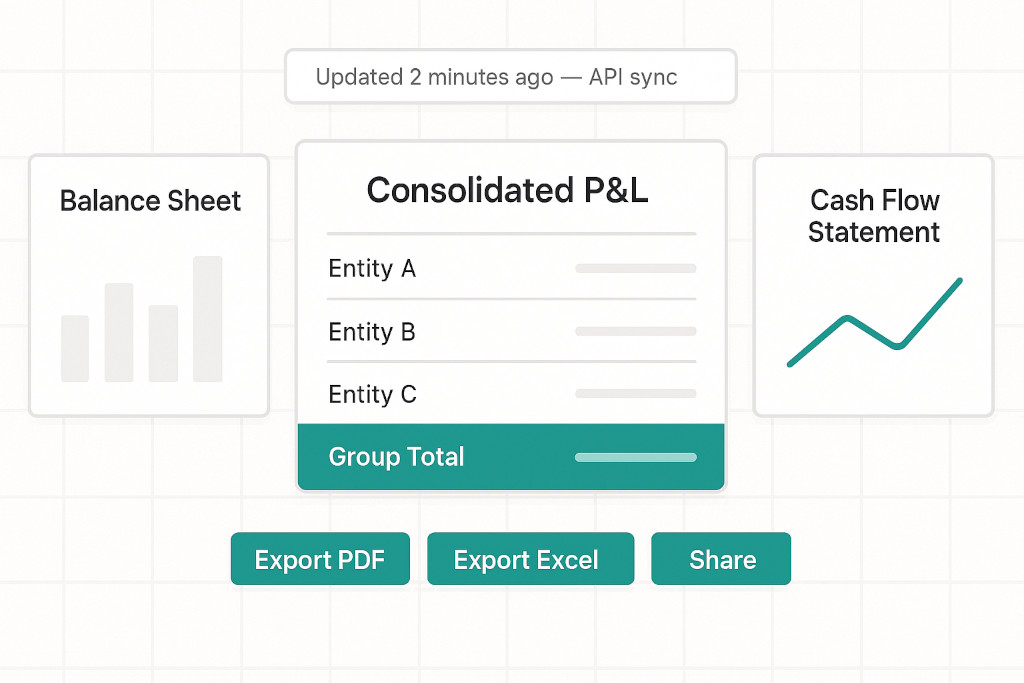
BrizoConsol generates three core financial statements as standard — the Consolidated Profit and Loss, Consolidated Balance Sheet, and Consolidated Cash Flow Statement. These are not PDF exports from individual entities manually stitched together. They are live, consolidated statements that reflect the group’s financial position after all intercompany eliminations, currency translations, and non-controlling interest adjustments have been applied.
What’s included in every built-in report:
- Intercompany eliminations applied automatically — revenue, costs, loans, and dividends between entities are removed from the group view
- Multi-currency translation at period average and closing rates, with CTA posted to the foreign currency translation reserve in equity
- Non-controlling interest share of profit and net assets shown separately in the P&L and equity section
- Selectable accounting standard — IFRS, US GAAP, UK GAAP, or SFRS — applied consistently across entities and periods
- Comparative periods available — month, quarter, year-to-date, or custom range, with prior period side by side
The reports update continuously as entity data syncs from each connected accounting system. For groups running on Xero, the sync is real-time. For QuickBooks, MYOB, and Zoho Books, the sync runs automatically on a daily schedule. There are no manual uploads or refresh steps required.
Because the underlying consolidation is computed in the data — not assembled visually — the reports are auditable. Every number traces back to a source transaction in a specific entity. For finance teams working under audit or providing financials to external investors, this traceability matters. For a detailed look at how that drill-through works, see our walkthrough of financial drill-down from consolidated balance to source transaction.
Switching Between Entity View and Group View
Built-in reports in BrizoConsol are not fixed at the group level. The same report structure — P&L, Balance Sheet, Cash Flow — is available at the individual entity level and at any intermediate grouping, such as a region or division defined using Virtual Groups.
Switching between views is a single click. A group CFO reviewing the consolidated P&L can move to the Singapore entity view, then to the Australia region view, without navigating to a different report or opening a different file. The structural consistency across views makes it straightforward to compare performance across entities using the same line definitions and period selections.
| View | What it shows | Use case |
|---|---|---|
| Group / Consolidated | All entities combined, net of eliminations and with NCI separated | Board reporting, investor reporting, statutory accounts |
| Entity | Individual entity financials, in local currency or reporting currency | Entity-level review, management accounts, local statutory filing |
| Virtual Group | Custom subset of entities — e.g. “Singapore Region” or “Logistics Division” | Divisional reporting, regional CFO packs, brand-level performance |
Custom Reports and the Report Builder
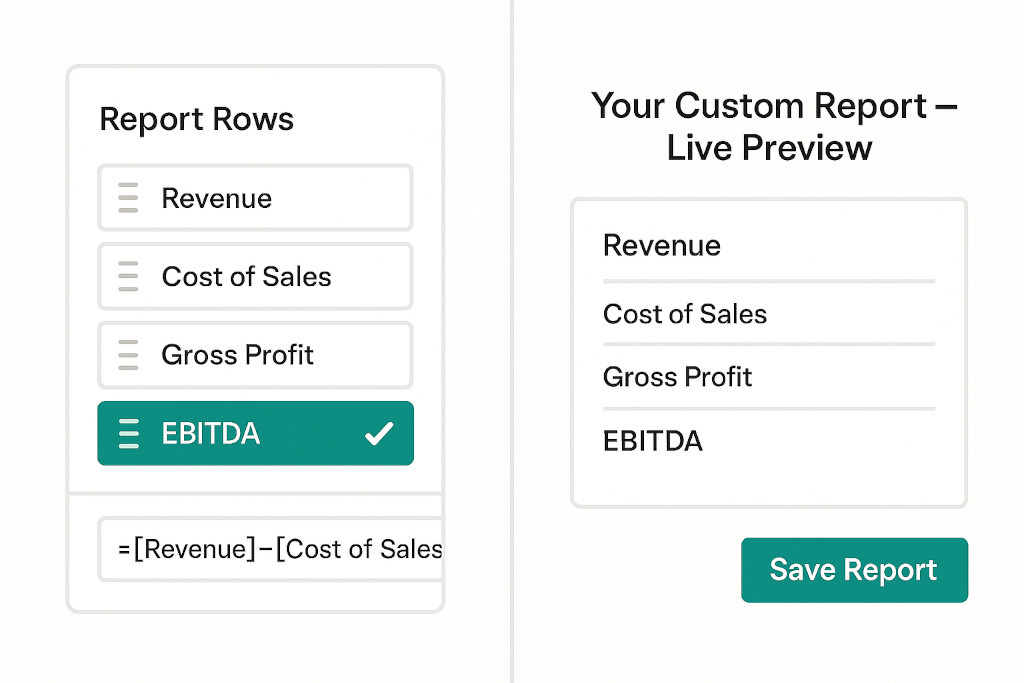
The built-in P&L, Balance Sheet, and Cash Flow statements cover the standard outputs. For everything else — contribution margin reports, department summaries, custom KPI tables, management account formats that differ from the statutory presentation — BrizoConsol includes a Report Builder.
The Report Builder allows finance teams to define their own report structures using the accounts and account groups from their Common Chart of Accounts. Reports are built by selecting account groups, adding custom rows and subtotals, writing formulas (such as gross profit percentage or EBITDA), and applying groupings that match the way the business is managed rather than the way it is structured legally.
Once a custom report is built and saved, it updates automatically whenever the underlying data changes — the same as the built-in reports. There is no rebuild step. A management pack format built once in September continues to work in October with fresh data.
Custom Dashboards
Alongside the Report Builder, BrizoConsol supports custom dashboards assembled from drag-and-drop widgets. Finance teams can combine charts, KPI tiles, P&L summaries, balance sheet snapshots, and cash position indicators into a single view tailored to a specific audience — whether that is the group CFO, a regional finance director, or an operational manager who only needs to see revenue and cash.
Dashboard widgets drill through to source data. A revenue tile showing $4.2 million for the month can be clicked to show the entity breakdown, then drilled again to show individual transactions. The path from board summary to transaction record takes seconds, without leaving the dashboard.
Insight Packages: Scheduled, Branded Report Delivery
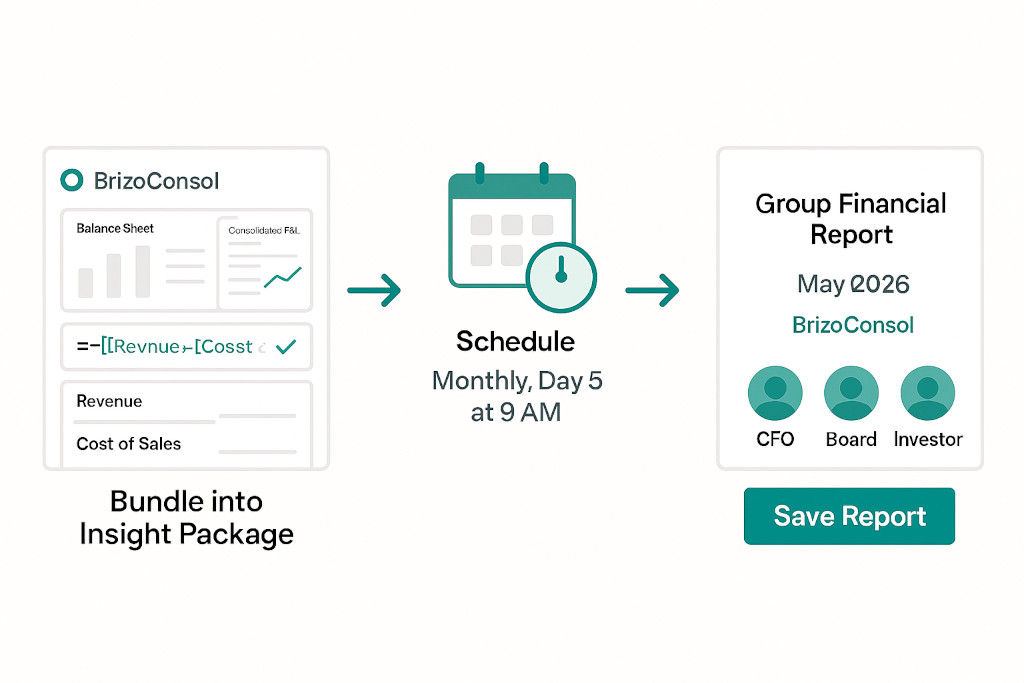
Custom dashboards and reports are useful when a finance team member opens BrizoConsol. Insight Packages are how those reports reach stakeholders who do not log in — the board, external investors, regional managers, or auditors who receive a monthly or quarterly pack.
An Insight Package bundles one or more dashboards or reports into a professional PDF document. The package can be configured with a cover page, section headers, and commentary, then scheduled for automatic delivery to a list of email recipients on a recurring basis — for example, the fifth business day of every month at 9 AM.
When the scheduled delivery runs, BrizoConsol generates the PDF from live data at the time of generation — not cached data from the previous day — and sends it to the configured recipients. The finance team does not need to be involved. The report goes out on schedule, with current figures, without anyone manually exporting, formatting, or emailing a file.
For finance teams that currently produce and distribute monthly board packs manually, Insight Packages can recover several hours of work each month. For practices managing multiple clients, scheduled delivery across a portfolio of groups is fully supported — the automation extends from consolidation all the way to report delivery, not just to the point where a PDF needs to be created. For context on the broader reporting challenge for accountants, see our guide for accountants delivering consolidated financials without the manual work.
Pulse: Live Business Health Scoring
Beyond structured financial reports, BrizoConsol includes Pulse — a live health score for the group and each individual entity, updated with every data sync.
Pulse converts cash, accounts receivable, and accounts payable positions into a weighted health score on a 0–100 scale. Finance teams can set custom KPI weightings to reflect their business priorities — a group where cash conversion is critical might weight the cash score more heavily than payables management. The group-level score sits alongside individual entity scores, making it immediately visible if one entity is dragging down the overall position.
Pulse converts cash, accounts receivable, and accounts payable positions into a weighted health score on a 0–100 scale. Finance teams can set custom KPI weightings to reflect their business priorities — a group where cash conversion is critical might weight the cash score more heavily than payables management. Most reporting tools tell you what happened last month. Pulse shows what is happening right now. The group-level score sits alongside individual entity scores, making it immediately visible if one entity is dragging down the overall position.
Drilling into Pulse from the group level reveals the entity contributing to a low score, then the aging bucket driving the receivables concern, then the individual invoices that are overdue. The drill-through from health score to transaction is the same mechanism that underpins all of BrizoConsol’s reporting — numbers are always connected to their source.
In-Context Comments and Collaboration
Finance reporting is rarely a solo activity. Month-end requires review, sign-off, and often explanations of variances before figures go to the board. BrizoConsol supports in-context commenting directly on report cells, allowing team members to flag anomalies, request clarification, or note one-off items without leaving the platform.
Comments are preserved by period. A note left on the June consolidated P&L explaining an intercompany adjustment does not disappear when July’s close begins — it remains associated with the June period and is visible to anyone reviewing the June figures in future. Teammates can be @mentioned to draw their attention to specific lines, and threads remain open until resolved.
This removes a common friction point in the close process: the back-and-forth between a reviewer who queries a balance and the preparer who explains it via email, where that explanation then needs to be found and reconstructed if the auditor asks about it six months later.
Export and Sharing
Every report in BrizoConsol — built-in or custom — can be exported to PDF or Excel in a single click. PDF exports are formatted for external distribution: clean layout, no platform chrome, ready to share. Excel exports preserve the structure and figures for further analysis or integration into external models.
For groups where month-end consolidation has historically meant days of work before a report was ready to distribute, the combination of live built-in reports, a custom report builder, and automated delivery through Insight Packages changes the economics of group reporting substantially. The time saved is not marginal — it is measured in days. For a detailed look at how that plays out in the month-end close, see our analysis of how financial consolidation software cuts your month-end close.
Conclusion: Reports That Are Ready When the Data Is
The reporting problem in multi-entity finance is not that finance teams lack the skills to produce good reports. It is that the process of assembling them — pulling data from multiple systems, reformatting, reconciling, and finally producing something presentable — consumes time that should be spent on analysis.
BrizoConsol solves this at the source. Because consolidation happens in the platform — not in a spreadsheet — the reports are always current, always consistent, and always traceable. Built-in statements are ready the moment each entity’s data syncs. Custom reports built once update automatically every period. Insight Packages deliver board packs on schedule without manual intervention. And Pulse gives real-time visibility into the group’s financial health between reporting cycles.
For multi-entity finance teams that have been spending days each month producing reports that are already days old by the time they land, that is a fundamentally different way to work.
See every report in action with your own data
Start a free trial and explore BrizoConsol’s built-in reports, Report Builder, custom dashboards, and Insight Packages with live demo data — no setup or credit card required.Start Free Trial