How to Consolidate Multiple MYOB Companies: A Practical Guide for Multi-Entity Groups
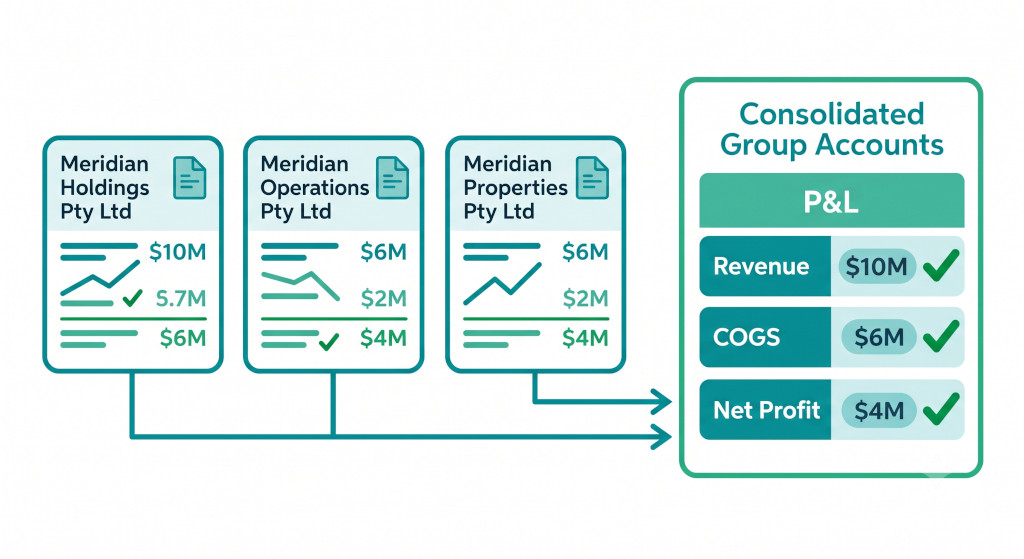
If your group runs two or more MYOB companies, you already know that MYOB does not consolidate them for you. Each MYOB file is a standalone set of books. At month-end, the finance team exports trial balances from each entity, pastes them into a master spreadsheet, maps accounts across the inconsistent chart-of-accounts structures, posts intercompany elimination journals, and attempts to produce a group P&L and balance sheet that balances. For a two-entity group with no intercompany complexity, this is manageable. For a three-entity group with intercompany loans, management fees, and a foreign subsidiary, it rapidly becomes the most error-prone and time-consuming part of the close.
This guide walks through the practical steps to consolidate multiple MYOB companies correctly — and shows where a dedicated consolidation platform removes the manual work entirely.
What MYOB Can and Can’t Do for Multi-Entity Groups
MYOB AccountRight and MYOB Business are excellent single-entity accounting tools. They handle invoicing, payroll, bank reconciliation, and financial reporting well within a single company file. What they do not do is link company files together or produce cross-entity consolidated accounts.
Consolidate your MYOB entities in minutes.
BrizoConsol connects to MYOB and automates your group financial statements.
MYOB does have a “linked companies” concept in some versions, but this is limited to sharing lists such as items or cards between files — it does not consolidate financial data. There is no built-in MYOB report that combines the P&L or balance sheet of multiple company files, eliminates intercompany transactions, or produces a statutory consolidated set of accounts.
For groups that need consolidated financials — whether for a bank, an investor, a parent company, or simply for management visibility — the process has to happen outside MYOB, either manually in a spreadsheet or through a consolidation platform that connects to the MYOB files directly.
The Five Steps to Consolidate Multiple MYOB Companies
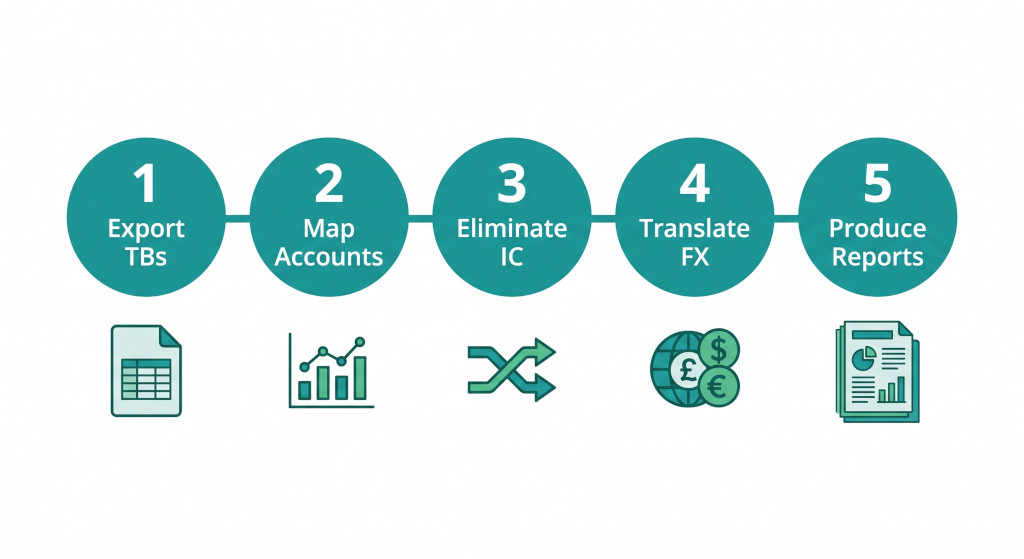
Whether you are consolidating manually or using software, the underlying process follows the same five steps. Understanding what each step involves — and where each one can go wrong — is the foundation for getting your MYOB group consolidation right.
| Step | What it involves | Where it goes wrong manually |
|---|---|---|
| 1. Export trial balances | Pull the trial balance from each MYOB company file for the same reporting period | Starting before all entities are closed creates balancing errors that are difficult to trace |
| 2. Map accounts to group chart | Map every account in every entity to a common group structure | A missed or stale mapping silently excludes accounts from consolidated totals |
| 3. Eliminate intercompany transactions | Identify and remove all transactions between group entities | Mismatched balances between entities require manual investigation under time pressure |
| 4. Translate overseas entities | Apply closing, average, and historical rates; calculate CTA | Incorrect rates or missed equity items produce a CTA balance that fails audit |
| 5. Produce consolidated reports | Combine mapped, eliminated, and translated data into P&L and balance sheet | Balance sheet that does not balance indicates an error in steps 2, 3, or 4 |
Step 1 — Export trial balances from each MYOB company
The starting point is a trial balance from each MYOB company file for the same reporting period. In MYOB AccountRight, this is the “Trial Balance” report under Accounts; in MYOB Business, it is available under Reports. Export each to CSV or Excel. Every entity must be closed for the same period before you begin — starting the consolidation while one entity still has transactions in flight is a common source of balancing errors that are difficult to trace.
Step 2 — Map each entity’s accounts to a common group chart of accounts
Each MYOB company file likely has its own account structure, developed independently over time. “Sales Revenue” in one entity may be coded 4-0000; in another it may be 40100 or simply called “Income”. Before you can add the numbers together, every account in every entity must be mapped to a common group chart of accounts — a master list of account categories that applies across the whole group.
This mapping is a one-time setup task, but it must be maintained as entities add or rename accounts. A missed account mapping means revenue or costs are excluded from the consolidated totals without any obvious error signal. The group chart of accounts is the single most important piece of infrastructure for a reliable MYOB consolidation.
Step 3 — Identify and eliminate intercompany transactions
Any transaction between two entities in the group must be eliminated before the consolidation is finalised. The most common intercompany transactions in MYOB groups are management fees charged by the holding company to operating entities, intercompany loans and the interest on them, intercompany sales of goods or services between entities, and dividends paid by subsidiaries to the parent.
Each elimination requires a journal entry that removes both sides of the transaction from the consolidated totals. For management fees: debit management fee income, credit management fee expense. For intercompany loans: debit intercompany payable, credit intercompany receivable. Any balance sheet intercompany balances that do not match — because one entity has recorded a payment that the other has not yet processed — must be identified and resolved before the consolidated balance sheet can balance.
Step 4 — Translate overseas entities (if applicable)
If any MYOB company operates in a foreign currency, its accounts must be translated into the group presentation currency before consolidation. P&L items translate at the average rate for the period; balance sheet items at the closing rate; equity at historical rates. The residual difference is the cumulative translation adjustment, which sits in equity. This step is covered in detail in the MYOB multi-currency consolidation guide.
Step 5 — Produce and review consolidated reports
Once the mapped, eliminated, and translated data is combined, the consolidated P&L and balance sheet can be produced. The balance sheet must balance — if it does not, the error is almost always in the intercompany eliminations (a mismatch between payable and receivable) or the currency translation (an incorrect rate applied to an equity item). The consolidated cash flow statement, if required, must be built separately as MYOB does not produce one from the consolidated data.
Where the Spreadsheet Approach Breaks Down
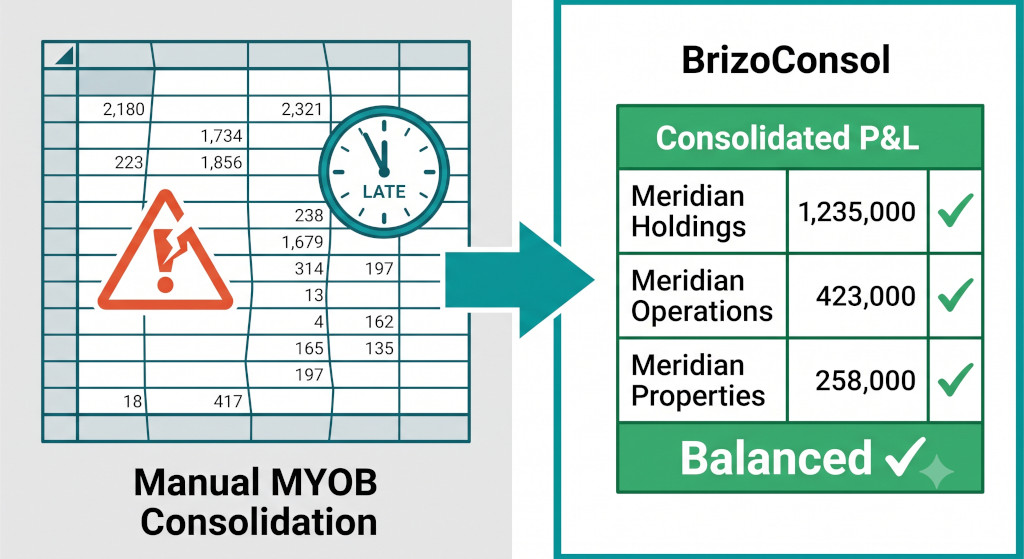
For a two-entity MYOB group with a small number of intercompany transactions, a well-built spreadsheet can work. The problems compound as the group grows.
The account mapping table grows with every new account added to any entity’s MYOB file — and if the mapping is not updated immediately, the next consolidation will silently exclude that account with no obvious error signal. Intercompany balances that do not match require manual investigation each period, and the matching is only as reliable as whoever last reconciled the intercompany accounts.
If a management fee invoice is raised in one entity but not yet posted in the other, the elimination will not balance — and finding the discrepancy in a large spreadsheet takes time the close does not have.
The spreadsheet is also entirely dependent on the person who built it. When that person is unavailable, the institutional knowledge of which formula does what, and why row 47 has a hard-coded override, is not easy to transfer. For MYOB groups that have been consolidating manually for several years, the spreadsheet often carries accumulated workarounds that nobody fully understands.
The most reliable signal that a manual MYOB consolidation has outgrown the spreadsheet is when the finance team spends more time reconciling and error-checking than it does reviewing the actual numbers. If the close produces a balance sheet that only balances after several rounds of investigation, the process is the problem — not the people.
A Practical Example: Meridian Group
Meridian Group comprises three MYOB companies: Meridian Holdings Pty Ltd (the parent, which charges management fees), Meridian Operations Pty Ltd (the main trading entity), and Meridian Properties Pty Ltd (which holds the group’s commercial property and charges rent to Operations).
Before eliminations, the combined figures are:
| Entity | Revenue (A$) | IC Income (A$) | Total Expenses (A$) | Net Profit (A$) |
|---|---|---|---|---|
| Meridian Holdings | — | 240,000 | 180,000 | 60,000 |
| Meridian Operations | 3,600,000 | — | 3,120,000 | 480,000 |
| Meridian Properties | — | 180,000 | 120,000 | 60,000 |
| Combined (pre-elimination) | 3,600,000 | 420,000 | 3,420,000 | 600,000 |
The intercompany income of A$420,000 comprises the management fee charged by Holdings (A$240,000) and the rent charged by Properties to Operations (A$180,000). Both flows also appear as expenses in Meridian Operations, inflating both total income and total expenses on the combined view. After eliminations:
| Line Item | Amount (A$) |
|---|---|
| External Revenue | 3,600,000 |
| Total Expenses (net of IC eliminations) | (3,000,000) |
| Consolidated Net Profit | 600,000 |
The consolidated net profit of A$600,000 is the same as the combined pre-elimination total — which is correct, because eliminating intercompany income and the matching intercompany expense has no net effect on group profit. What changes is the presentation: the consolidated P&L now shows only the A$3,600,000 earned from external customers, with no artificial inflation of either the income or expense lines.
How BrizoConsol Consolidates Multiple MYOB Companies
BrizoConsol connects directly to MYOB AccountRight and MYOB Business via the MYOB API, pulling each company’s trial balance automatically each period — no manual export, no CSV reformatting, no copy-paste into a master spreadsheet.
| Capability | How it works for MYOB groups |
|---|---|
| Direct API connection | Read-only OAuth connection to each MYOB company file; trial balance pulled automatically each period; no data exported from MYOB |
| AI Auto-Map | Analyses each MYOB company’s chart of accounts and maps to the group structure automatically; learns from corrections; initial mapping for a three-entity group typically takes under an hour |
| Automated intercompany eliminations | Management fees, rent charges, intercompany loans, dividends, and other recurring intra-group transactions configured once as elimination rules; run automatically each period; mismatch detection flags any balances that do not reconcile |
| Consolidated reports on demand | Group P&L, balance sheet, and supporting schedules available as soon as the last MYOB company has closed its period |
For Meridian Group, the process that previously occupied two days of close time now runs in under two hours.
Getting Started with MYOB Consolidation in BrizoConsol
Connecting multiple MYOB companies to BrizoConsol requires MYOB administrator access for each company file. BrizoConsol connects via the MYOB API using OAuth authentication — no data is exported from MYOB, and the connection is read-only for trial balance data.
The setup process involves connecting each MYOB company, confirming the group chart of accounts structure, reviewing the AI-generated account mappings, and configuring the intercompany elimination rules. For most MYOB groups, this is a half-day exercise. The first consolidated output — mapped, eliminated, and balanced — is typically available on the same day.
Conclusion: MYOB Groups Need a Consolidation Layer, Not a Bigger Spreadsheet
MYOB does not consolidate multiple company files. That is not a limitation — it is simply not what MYOB is built to do. The spreadsheet that fills the gap works until it does not: until the group adds a third entity, until the person who built the workbook leaves, or until the close starts taking longer to reconcile than it does to review.
The five steps in this guide are the same whether the consolidation is done manually or through a dedicated platform. What changes is how long each step takes and how reliable the result is. Manual account mapping drifts and breaks. Automated mapping persists and alerts. Manual elimination journals miss mismatches. Automated elimination rules flag them. Manual balance sheets sometimes balance only after several rounds of investigation. Automated consolidations balance because the logic is configured correctly from the outset.
For MYOB groups that have outgrown the spreadsheet, the path forward is a consolidation layer that connects directly to each MYOB company file, maps accounts once, runs eliminations automatically, and produces group accounts the finance team can stand behind — every month, without rebuilding the process from scratch.
Consolidate your MYOB companies without the spreadsheet.
BrizoConsol connects directly to MYOB AccountRight and MYOB Business, maps accounts automatically, eliminates intercompany transactions, and produces consolidated group accounts in minutes. Start Free Trial