Financial Audit Trail Now Live in BrizoConsol: 24 Months of Group Event History, Searchable and Exportable
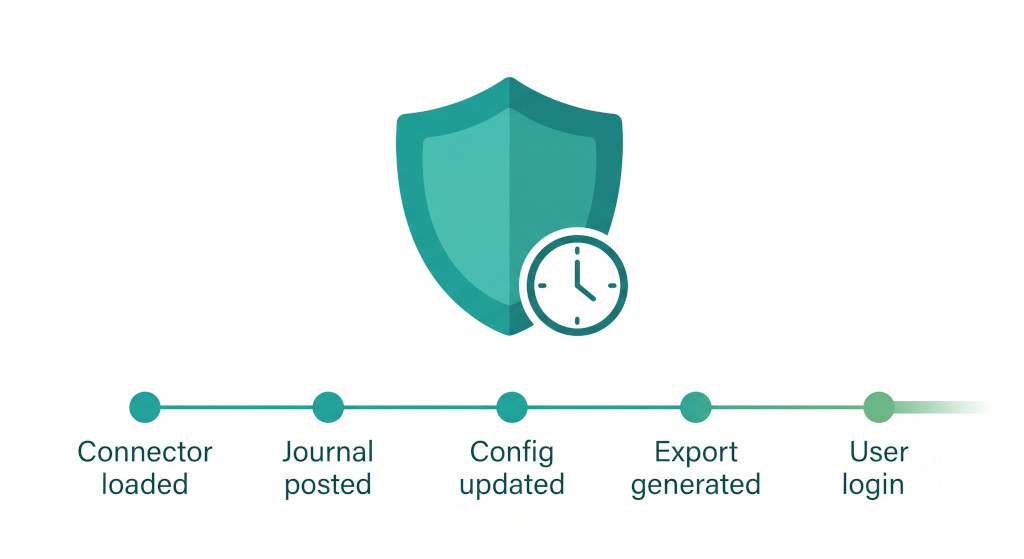
Group finance teams have always been accountable for what happened in their consolidation — which journals were posted, when connector data was loaded, who changed a configuration setting. Until now, answering those questions required trawling through email threads, checking with individual team members, or hoping that the relevant entry still existed somewhere in a log file. From today, BrizoConsol administrators have a dedicated Financial Audit Trail that captures every significant event across the group in a single, searchable view — retained for 24 months.
What the Financial Audit Trail Records
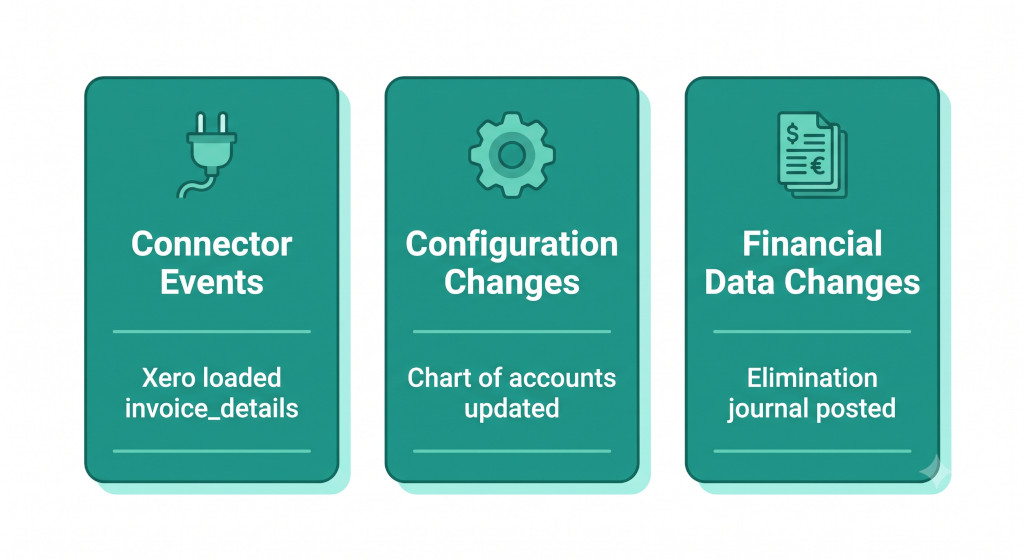
The audit trail captures events across three broad categories, giving administrators a complete picture of activity in their BrizoConsol group.
Connector and data events are logged every time BrizoConsol loads financial data from a connected accounting platform. Each event records the source (Xero, QuickBooks, MYOB, or Zoho Books), the data type loaded (trial balance, invoice details, bill details, tracking categories), the period it relates to, and the exact timestamp. For groups that want to confirm when their consolidation data was last refreshed — or to investigate why a figure changed between two runs — the connector event log provides a precise answer.
Automate NCI calculations across all your entities.
BrizoConsol handles non-controlling interest automatically — no manual adjustments required.
Configuration changes are recorded whenever a user modifies the group setup — account mappings, intercompany elimination rules, currency settings, entity structures, or user access permissions. Each entry captures what changed, who made the change, and when. For groups where multiple team members or an external accounting firm have access to the platform, this provides the accountability layer that governance frameworks require.
Financial data changes — including journal entries posted, eliminations applied, and consolidation adjustments made — are logged with the user, the period, and the entity affected. Combined with the connector events, this creates a complete chain of custody from source data to final consolidated output.
The Audit Trail in Practice
The Financial Audit Trail is accessible from the Adjustments section of the BrizoConsol sidebar. Administrators can filter by action type, period, or free-text search across all visible events. The table view shows the timestamp, action type, a plain-language summary of what occurred, the user who triggered the event, the entity (org) it relates to, the reporting period, and the scenario.
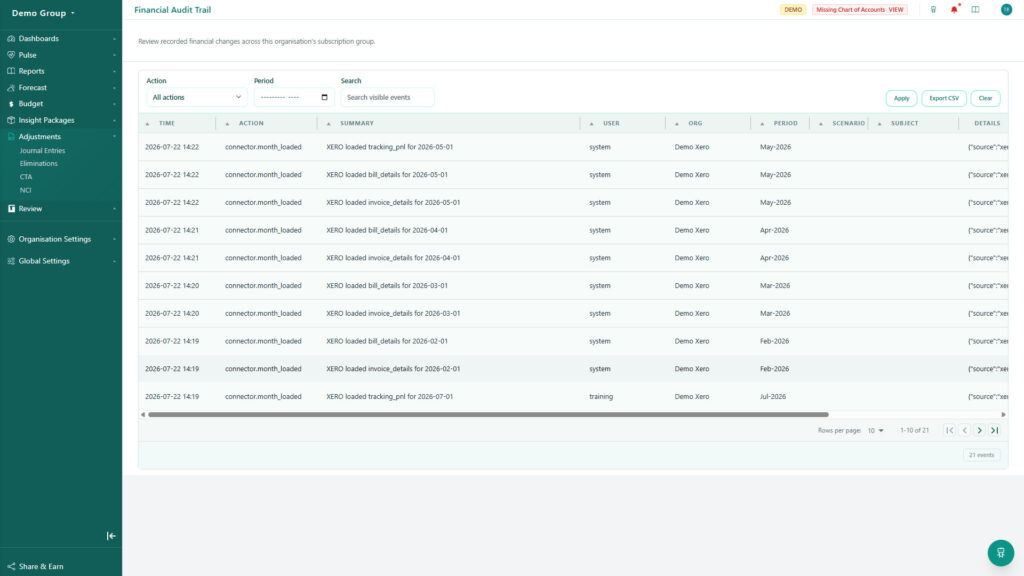
The Financial Audit Trail in BrizoConsol — every group event logged, searchable, and exportable. Administrators can filter by action type, period, or keyword.
The 24-month retention window means that finance teams preparing for an annual audit can review the full prior-year activity log without any gaps. For groups with a December year-end, the audit trail covers back to January of the previous year — sufficient to support any reasonable audit query about when data was loaded, who posted a journal, or when an elimination rule was last changed.
The most common audit query for a consolidated group is “why did this number change between draft and final accounts?” With the Financial Audit Trail, that question has a precise answer — down to the minute and the user — without anyone having to reconstruct events from memory or email.
CSV Export for Administrators
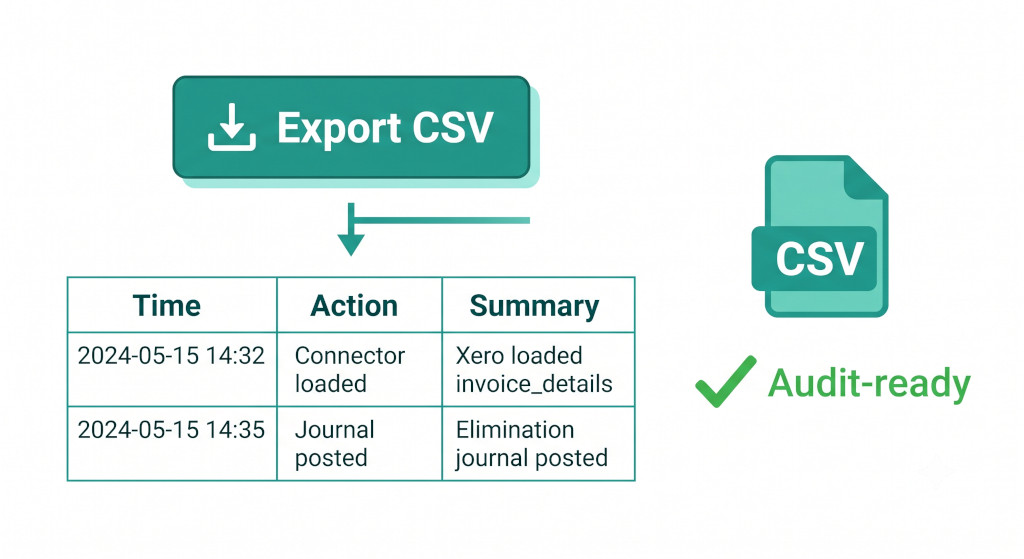
Administrators can export the full audit log — or any filtered subset of it — to CSV with a single click. The exported file includes all visible columns: timestamp, action, summary, user, organisation, period, scenario, subject, and the raw detail payload. This makes the audit trail immediately usable in three contexts.
For external audit, the CSV export provides auditors with the evidence they need to confirm the integrity of the consolidation process — when data was loaded, what adjustments were posted, and by whom — without requiring auditor access to the BrizoConsol platform itself.
For internal review, finance managers can filter the log to a specific period and export it as part of the month-end close pack, confirming that all expected connector loads ran and that no unexpected configuration changes occurred during the close window.
For compliance reporting, the exported log provides a structured, timestamped record of financial data handling that satisfies internal audit requirements and supports ISO or SOC 2 evidence gathering for organisations with formal compliance programmes.
Who Can Access the Audit Trail
The Financial Audit Trail is available to BrizoConsol administrators. Standard users and read-only users do not have access to the audit log, consistent with BrizoConsol’s role-based access model. Events are recorded regardless of whether they were triggered by a human user or an automated system process — connector loads initiated by BrizoConsol’s scheduled refresh appear in the log with “system” as the user, making it easy to distinguish automated activity from manual interventions.
Available Now
The Financial Audit Trail is live for all BrizoConsol groups today. Administrators will find it under Adjustments in the left-hand navigation. The 24-month history is populated from existing event data, so the log is available immediately — there is no waiting period for history to accumulate.
If you have questions about what specific event types are captured, or how to use the CSV export for your audit process, the BrizoConsol support team is available via in-app support.
See the Financial Audit Trail in action.
Start a free trial and explore 24 months of group event history, searchable and exportable — built for finance teams that need to answer audit questions with confidence. Start Free Trial