Dark Mode, Cleaner Workspace, and Faster Posting — Now Live in BrizoConsol
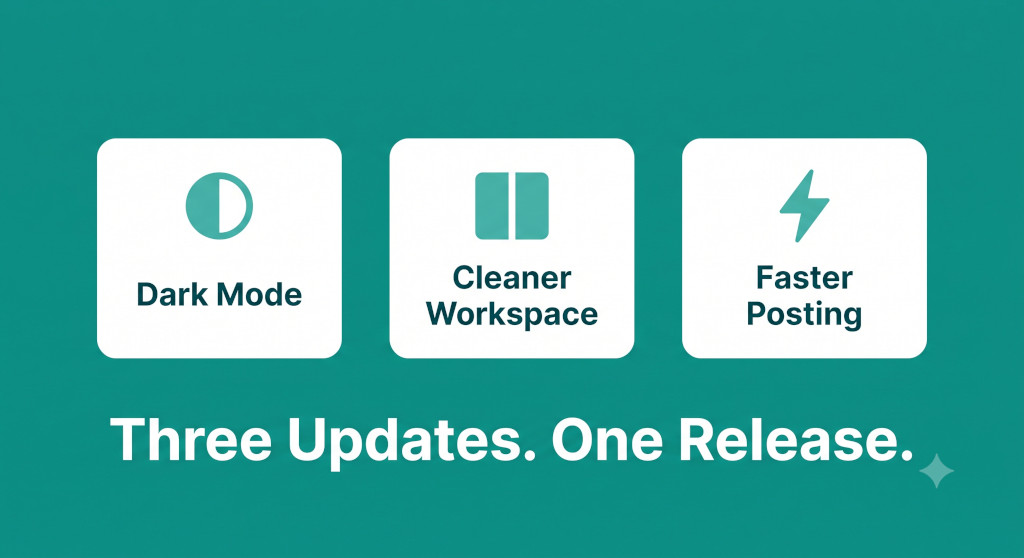
This release ships three changes that have been on the request list for a while. None of them alter how consolidation works — but together they make the day-to-day experience of using BrizoConsol noticeably better, especially during the focused, high-pressure window of month-end close.
Here’s what’s new.
Dark Mode (and System-Matched Appearance)
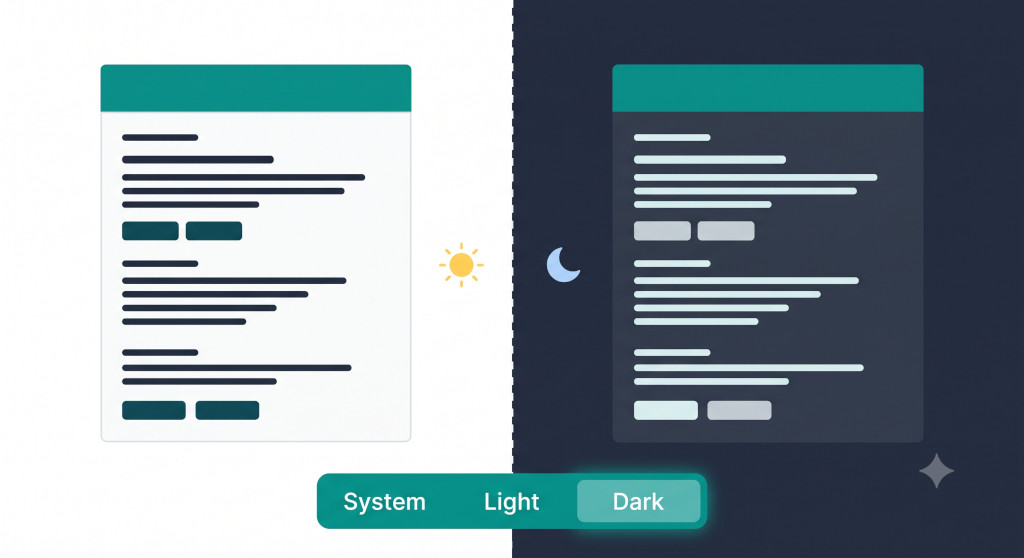
BrizoConsol now supports three appearance modes: Light, Dark, and System. The setting lives in your profile — navigate to your name in the top right, open Profile, and look for the Appearance dropdown. Pick your preference and it applies immediately, no page reload required.
Stop building consolidations in spreadsheets.
BrizoConsol automates multi-entity consolidation — setup in minutes, reports the same day.
Light is the default behaviour you already know. Dark switches the entire interface to a dark-background theme — easier on the eyes during long close sessions or in low-light environments. System follows your operating system’s appearance setting automatically, switching between light and dark as your device does throughout the day.
The preference is saved to your user account, so it persists across sessions and devices. Each user in your group can set their own preference independently — there’s no group-wide override.
To switch: click your name or avatar in the top right → Profile → Appearance → select System, Light, or Dark.
Workspace and Settings Are Now Separate
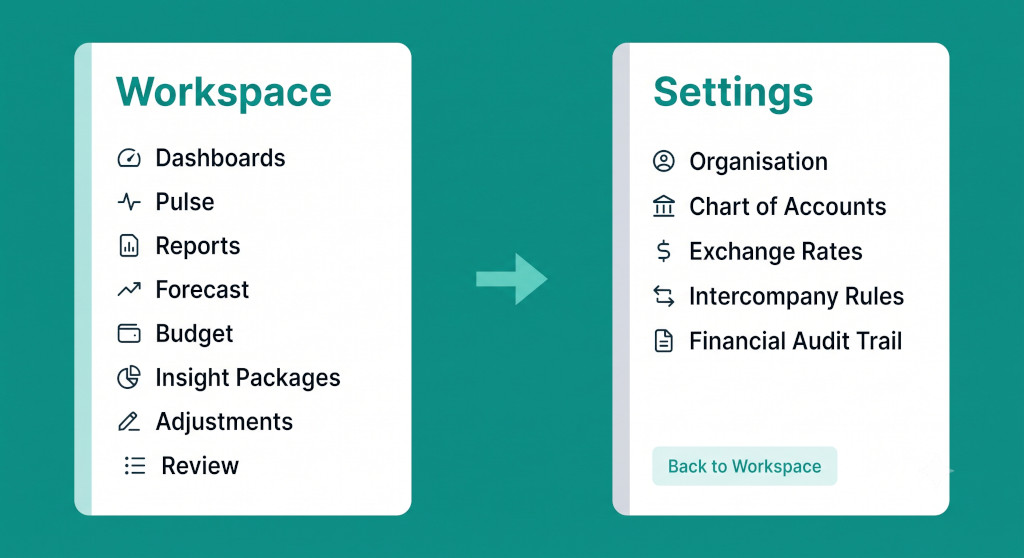
Previously, navigating to settings — chart of accounts, exchange rates, intercompany rules, and so on — meant scrolling past or around those options in the same sidebar as your operational workspace. During close, when you’re moving quickly between Reports, Adjustments, and Review, the presence of configuration options in the same navigation created unnecessary noise.
Settings is now its own dedicated area with its own sidebar. The main workspace sidebar shows only what you need during active work: Dashboards, Pulse, Reports, Forecast, Budget, Insight Packages, Adjustments, and Review. When you need to configure something, you navigate into Settings — where you’ll find all organisation, financial data, and global configuration options grouped cleanly — and then return to the workspace via the Back to Workspace button at the bottom of the settings sidebar.
The separation also makes Settings easier to navigate on its own terms. Rather than a flat list of items mixed in with operational nav, settings options are now grouped by category: Organisation Settings, Financial Data, Reporting, Global Settings, and System (which includes Setup Progress and the Financial Audit Trail).
For accounting firm users managing multiple client groups, this means you can work through a client’s month-end — posting consolidation journals, reviewing eliminations, checking reports — without the settings options ever appearing in your peripheral view. The workspace stays operational. Configuration stays in its own place.
Faster Journal and Elimination Posting
Performance
We’ve made significant performance improvements to the journal and elimination posting engine. For most groups, individual journal posts and elimination runs will feel noticeably faster. For groups with larger entity counts or complex intercompany structures — where posting previously involved a visible wait — the improvement is more pronounced.
This matters most at month-end close, when automated intercompany journals and elimination batches are running back-to-back and any delay compounds. The underlying posting pipeline has been rebuilt to process entries more efficiently, and the improvement applies to both manual journals and recurring automated journals.
No changes are needed on your end — the performance improvement applies automatically to all groups.
If you run a large batch of eliminations at close and want to compare timing, the Financial Audit Trail timestamps every posting event — you can use it to confirm before/after posting times against your prior close cycle.
How to Get These Updates
All three changes are live now for all BrizoConsol accounts — no action required to receive the performance improvements or the workspace/settings separation. To activate dark mode or system appearance, each user sets their own preference in their Profile page.
If you have questions or run into anything unexpected, use the in-app support button to reach the team directly.
New to BrizoConsol?
BrizoConsol is purpose-built consolidation software for multi-entity groups — connecting to your accounting software, eliminating intercompany transactions automatically, and producing consolidated financials without the spreadsheet rebuild every month. Start Free Trial