Why Xero Cannot Eliminate Intercompany Loans Between Two Xero Organisations and What Finance Teams Do Instead
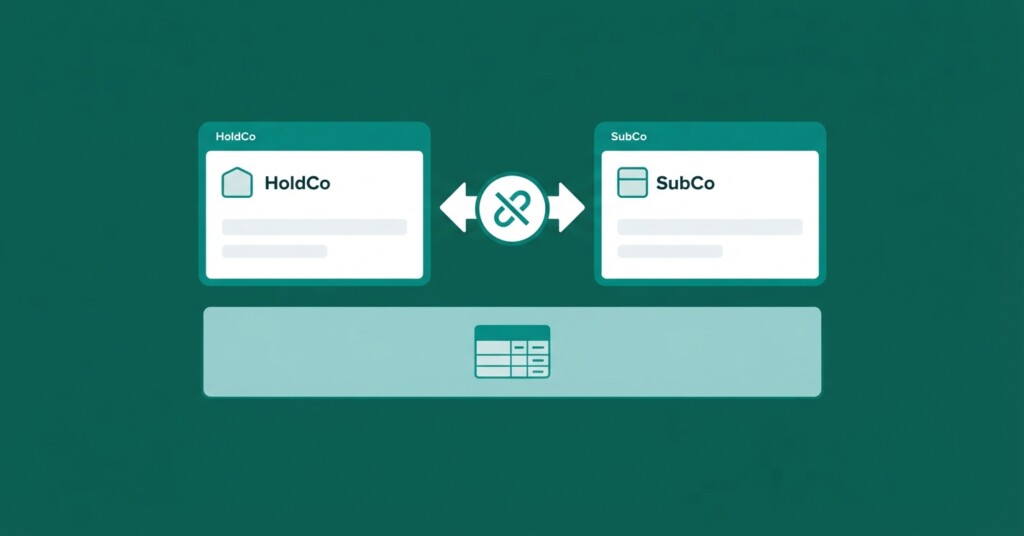
If your group runs two or more Xero organisations and you have intercompany loans between them, you have almost certainly discovered the same frustration: Xero has no native mechanism to eliminate those balances when you produce consolidated financial statements. This is not a configuration issue or a missing add-on setting. It is a structural limitation of how Xero is architected, and understanding why it exists helps finance teams make better decisions about how to close the gap.
How Xero Organisations Are Designed to Work
Xero treats every organisation as a completely independent ledger. There is no parent-child relationship between organisations at the data layer. When your holding company records a loan to a subsidiary, that transaction lives only in the holding company’s Xero file. When the subsidiary records the corresponding payable, that transaction lives only in the subsidiary’s Xero file. The two files do not know each other exists. Furthermore, Xero offers no native cross-organisation consolidation reporting — neither in standard organisation reporting nor across organisations in Xero HQ. Standard reports run strictly for a single entity at a time. If finance teams combine trial balance data across organisations without applying elimination logic, intercompany loan receivables and payables are simply summed together, inflating both assets and liabilities in the consolidated position.
Xero provides no native multi-organisation consolidation reporting or intercompany eliminations. Any simple aggregation of balances across entities without elimination logic will double-count loans, trading balances, dividends, and other intercompany transactions.
Consolidate your Xero entities — automatically.
BrizoConsol pulls from all your Xero organisations and delivers group reports in minutes.
What Actually Needs to Happen at Consolidation
When you consolidate two entities that have a loan between them, accounting standards require you to eliminate the gross receivable in one entity against the gross payable in the other. The goal is to present the group as if it were a single economic unit. From the outside world’s perspective, you cannot owe money to yourself. If HoldCo has a £500,000 loan receivable from SubCo, and SubCo has a £500,000 loan payable to HoldCo, the consolidated balance sheet should show neither. Both balances must be removed in full.
| Account | Dr | Cr |
|---|---|---|
| Intercompany Loan Payable — SubCo | 500000 | |
| Intercompany Loan Receivable — HoldCo | 500000 |
Consolidation elimination entry: removes the intercompany loan receivable in HoldCo and the matching loan payable in SubCo. This entry is recorded only in the consolidation workbook or consolidation tool, not in either entity’s Xero file.
This elimination entry never touches either Xero file. It exists only at the consolidation layer — whether that layer is an Excel workbook, a purpose-built consolidation tool, or an ERP with consolidation modules. Because Xero has no consolidation layer of its own, this step must happen somewhere outside Xero.
Why Intercompany Loan Balances Are Particularly Difficult to Eliminate
Trading intercompany balances — where one entity sells goods or services to another — are difficult enough to reconcile. Loan balances introduce additional complexity for several reasons. First, the loan is often denominated in a currency that differs from one entity’s functional currency, creating FX translation differences. Second, interest accrues on the loan, and both entities may be recording interest income and interest expense at slightly different amounts depending on timing. Third, repayments may be made in tranches, and if those tranches are not coded identically in both files, the balances drift apart. Fourth, when the loan spans multiple reporting periods, prior-period eliminations must be carried forward correctly or the retained earnings figures become misstated.

The FX Complication: Loans Across Currency Boundaries
Consider a UK holding company with a EUR-denominated loan to a German subsidiary. HoldCo records the loan receivable in GBP, translated at the rate on the date of origination. SubCo records the loan payable in EUR as its functional currency. Each month, HoldCo revalues the GBP equivalent of the receivable using the closing rate, booking FX gains or losses to its profit and loss account, while SubCo’s payable remains unchanged at €500,000 in its local books. At consolidation, you are trying to eliminate two balances where one entity’s balance has moved due to exchange rate fluctuations while the other has not until translated for group reporting.
| HoldCo loan receivable at origination (GBP equivalent at 1.15) | £434,783 |
| HoldCo loan receivable at month-end closing rate (1.12) | £446,429 |
| HoldCo unrealised FX gain recorded in P&L | £11,646 |
| SubCo loan payable (EUR functional, no translation required) | €500,000 |
| EUR 500,000 translated at closing rate 1.12 for elimination | £446,429 |
| Net intercompany elimination — both balances removed | £0 |
The elimination itself still works — you remove £446,429 from assets and £446,429 from liabilities — but you must also handle the £11,646 FX gain recognized in HoldCo’s P&L. Under accounting standards like IAS 21, intragroup exchange differences on monetary items do not simply cancel out and remain in consolidated profit or loss, unless the loan qualifies as part of the net investment in a foreign operation, in which case the difference is reclassified to the foreign currency translation reserve in equity. Getting this right in Excel requires careful column management and is a common source of consolidation errors.
If your intercompany loans span currency boundaries and you are eliminating them in Excel, you must translate both balances to the presentation currency at the same rate before the elimination. Using different rates in different tabs is one of the most frequent causes of unexplained differences in consolidated net assets.
What Finance Teams Actually Do to Work Around This
Because Xero provides no elimination functionality, finance teams managing multi-entity groups typically rely on one of several approaches. Each has trade-offs in terms of accuracy, time cost, and scalability.
| Approach | How It Works | Main Risk | Typical Time Cost |
|---|---|---|---|
| Excel consolidation workbook | Export trial balances from each Xero file, paste into a master workbook, manually enter eliminations | Human error, version control issues, formula breaks | 4–12 hours per close depending on entity count |
| Xero-to-Xero connected apps (e.g. Mayday) | Sync specific transaction types but do not perform consolidation eliminations | No elimination logic; scope limited to specific transaction types | Low setup, but does not solve the core problem |
| Purpose-built consolidation software | Pulls Xero data via API, applies elimination rules, produces consolidated reports | Cost, implementation time | 1–3 hours per close once configured |
| Manual journal approach in a single ‘group’ Xero org | Summarise all entity results into one Xero file and post eliminations as journals | Loses entity-level detail, difficult to audit, not recommended | High ongoing effort, very error-prone |
| ERP migration | Move all entities onto a single ERP with built-in consolidation | Cost, disruption, often disproportionate for SMEs | Months of implementation |
The Excel Workbook Approach in Practice
Most SME finance teams start with Excel, and for a group with two entities and a straightforward intercompany loan, it can work. The typical structure involves one tab per entity (populated by exporting the Xero trial balance), a consolidation tab that sums all entity columns, an eliminations tab where the finance manager manually enters offsetting debits and credits, and a final consolidated tab that takes the sum and deducts eliminations. The problem is that this structure becomes brittle quickly. When a third entity is added, or when the loan generates interest that is recorded inconsistently, or when a prior-period restatement is needed, the workbook tends to break in ways that are hard to detect. Auditors reviewing a group audit frequently find that the elimination tab contains hardcoded numbers from a prior period that were never updated. This creates a misstatement in consolidated retained earnings that then compounds year on year.
Keeping Intercompany Loan Balances Reconciled Before Consolidation
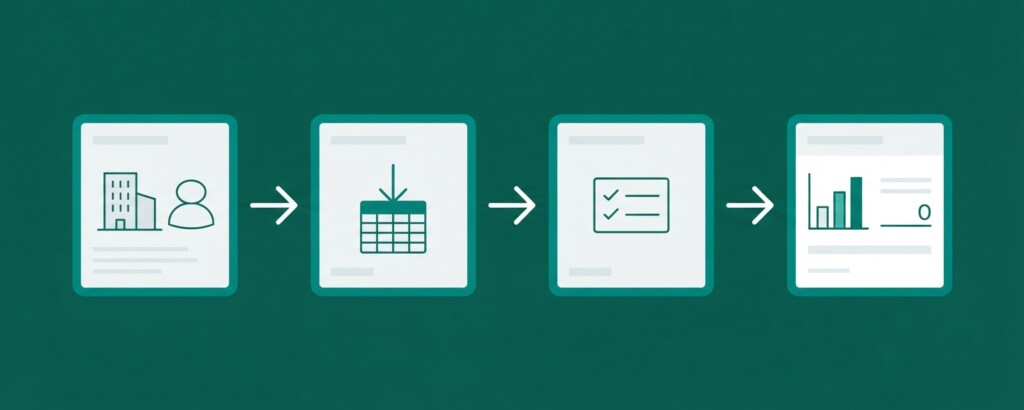
Regardless of which consolidation method you use, the elimination can only be clean if the underlying balances in each entity’s Xero file are already reconciled to each other. A common best practice is to maintain an intercompany loan reconciliation schedule that is updated each month before the consolidation is run. This schedule confirms that the receivable balance in Entity A equals the payable balance in Entity B when translated to a common currency, and that any differences are explained and resolved.
Intercompany loan reconciliation should be completed before month-end close, not during consolidation. Chasing unexplained differences after you have started building the consolidated pack doubles the time cost and increases error risk.
Typical differences that appear in intercompany loan reconciliations include: timing differences where one entity has recorded a repayment in one period and the counterparty has not yet received it; interest accruals that were calculated at slightly different rates due to rounding; bank charges deducted from a repayment in transit; and FX rates applied on different days. Each of these needs a resolution rule agreed in advance — who adjusts, and in which entity — so that the reconciliation can be completed efficiently rather than requiring a debate each month.
Non-Controlling Interests and Intercompany Loans
When the subsidiary has external minority shareholders — a non-controlling interest — intercompany loan eliminations interact with the NCI calculation. The loan principal is eliminated in full because it is an intragroup balance, but intercompany interest also requires careful handling. If an 80%-owned subsidiary pays interest to the holding company, that interest expense reduces the subsidiary’s standalone profit. When the reciprocal interest income and expense are eliminated at consolidation, removing the interest expense restores the subsidiary’s consolidated profit, which in turn affects the share of profit attributable to NCI. Getting the sequence right — eliminating the intercompany loan and interest, determining the adjusted subsidiary profit, and then allocating profit to NCI — is one of the consolidation steps most frequently performed in the wrong order in manual workbooks.
When Consolidation Software Helps More Than Excel
For a group with two entities and one straightforward intercompany loan, a well-maintained Excel workbook is manageable. The economics of consolidation software become more compelling as the number of entities grows, as the intercompany matrix becomes more complex (loans running in multiple directions, dividend flows, management fees, stock transfers), and as the reporting frequency increases. A group producing monthly consolidated management accounts for investors or lenders, with four or more entities and cross-currency loans, will typically find that the time saved in each reporting cycle justifies the cost of a purpose-built tool within the first year. The specific benefit for intercompany loan eliminations is that the elimination rules can be configured once, applied automatically each period, and audited against the underlying trial balance data without re-entering anything manually.
Practical Steps Finance Teams Can Take Now
If you are currently managing intercompany loan eliminations in Excel and looking to reduce the risk and time cost, there are practical improvements you can make without immediately migrating to a new system. First, standardise the account codes used for intercompany loans across all Xero files so that eliminations can be matched by code rather than by manual identification. Second, establish a clear intercompany loan agreement that specifies the interest rate, compounding frequency, and repayment schedule so that both entities are accruing on the same basis. Third, agree a single FX rate source — for example, the European Central Bank closing rate on the last day of the month — that both entities use for translation, eliminating rate differences as a source of reconciliation variance. Fourth, document your elimination logic in a written policy so that it can be applied consistently by any member of the finance team, not just the person who built the original workbook.
- Standardise intercompany loan account codes across all Xero files
- Formalise the loan with a written agreement specifying rate, compounding, and repayment terms
- Agree a single FX rate source used by all entities on the same date each month
- Reconcile intercompany balances before starting the consolidation, not during
- Document elimination logic in a written policy accessible to the whole finance team
- Review the elimination tab each period to ensure no values have been hardcoded from a prior period
- Consider purpose-built consolidation software once your entity count or reporting frequency makes Excel uneconomical
Xero is an excellent general ledger for individual entities, and it is widely used in multi-entity SME groups precisely because it is easy to manage at the entity level. Its inability to eliminate intercompany balances is not a flaw so much as a scope decision — Xero is a bookkeeping tool, not a consolidation platform. Finance teams that understand this distinction can design workflows that use Xero for what it does well and supplement it with a consolidation layer — whether Excel or software — that handles the group reporting requirements Xero was never designed to address.
See How Automated Consolidation Handles Intercompany Eliminations
BrizoConsol connects to your Xero organisations, pulls trial balance data automatically, and applies your intercompany elimination rules each period — including loan balances, FX translation differences, and interest eliminations — without manual data entry or formula management.